How Do You Batch a Month of Faceless Videos in One Afternoon in 2026?
Making one short at a time eats your week. Here is how to batch a full month of faceless videos in a single afternoon in 2026, then let them publish on a rhythm you can keep.

Stefano Ventrudo
CTO at Faceless Lab
A practical 2026 workflow for batching faceless videos in bulk, building a repeatable topic system, and scheduling everything to publish on its own.
How do you batch a month of faceless videos in one afternoon? You stop treating every video as a fresh project and start treating a month of content as one job you run once. Most creators burn out because they make shorts one at a time, so a single video swallows half a day and the calendar wins. Batching flips that. You plan a block of topics in one sitting, generate them together, and let scheduling handle the daily posting. In 2026 the platforms reward rhythm more than any single viral hit, and rhythm is a lot easier to keep when the work is already done.
We are Stefano and Roberto, the two people behind Faceless Lab. We built the app because we were living this exact problem, and this is the workflow we actually use.
Executive Summary: Batching faceless videos means producing a full posting cycle in one focused session instead of scrambling for content every day. The math is simple. One video made by hand can cost three or more hours once you count scripting, voiceover, visuals, captions and music. A month of daily posts made that way is a part-time job. With Faceless Lab you write a list of topics, pick a structure and a style, generate a batch of videos in minutes each, and schedule them to auto-publish to YouTube, Instagram, Facebook and LinkedIn (TikTok stays manual by design because it needs your explicit consent). The result is a month of content shipped in an afternoon, on plans that start free and top out at Pro for €149. Batching is not about posting more for its own sake. It is about protecting your time so consistency stops being the thing that breaks first.
Table of Contents
- What batching faceless videos actually means
- What making videos one at a time really costs you
- How to batch a month of faceless videos inside Faceless Lab
- Building a repeatable system: topics, hooks and Series
- Scheduling and auto-publishing so the month runs itself
- Where batching works well and where it does not
- The verdict
1. What batching faceless videos actually means
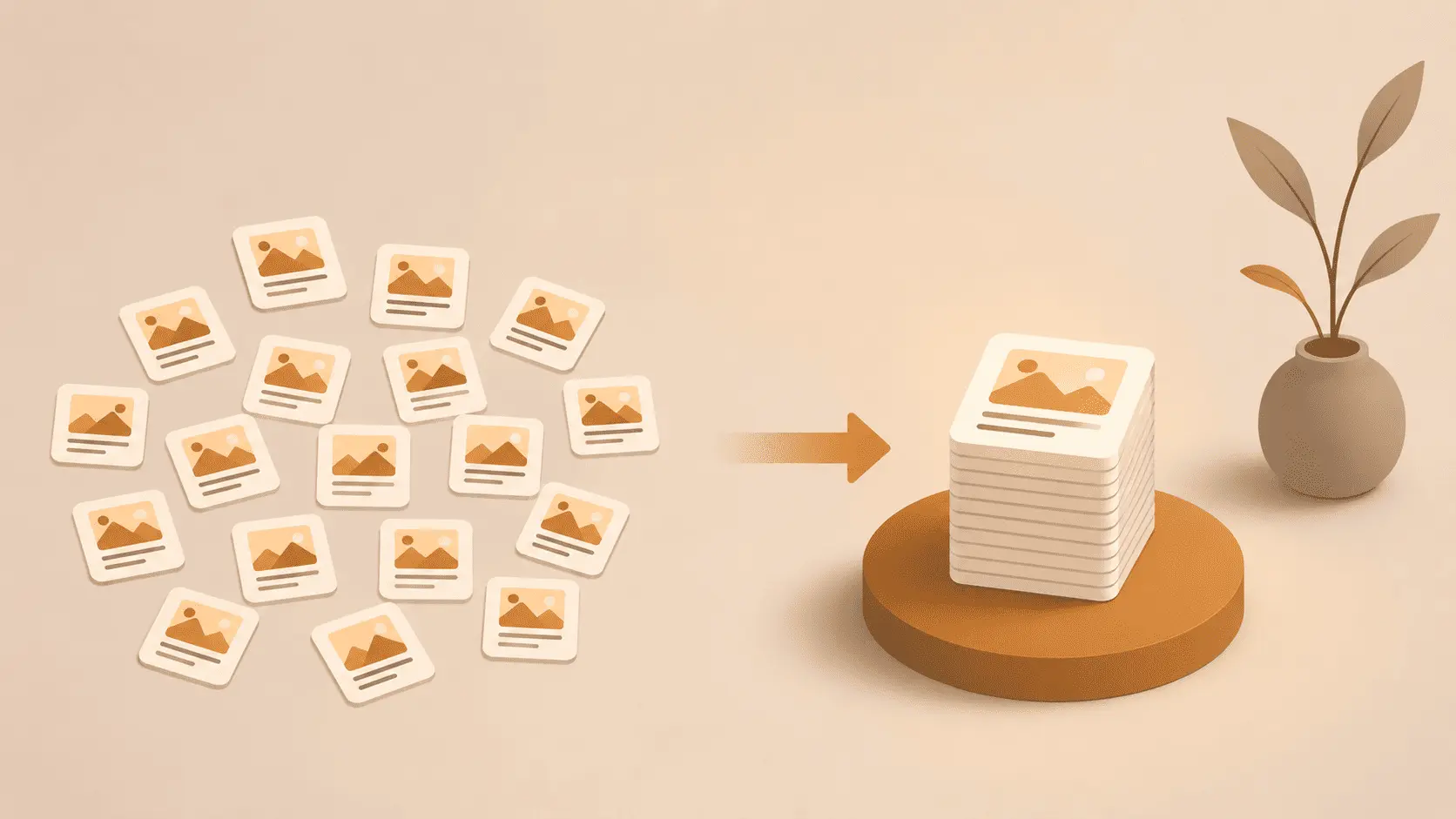
Batching is a production method borrowed from every efficient studio on earth. Instead of switching context for each video, you group the same kind of task and do it in one pass. For faceless content that means planning many topics at once, generating many videos at once, and reviewing them together.
Why it beats daily posting from scratch
- Context switching is the hidden tax. Every time you jump from writing a script to hunting for a clip to fixing captions, your brain pays a restart cost. Batching removes most of those jumps.
- Momentum compounds. Writing your tenth hook is faster than your first because you are warmed up and thinking in the same lane.
- Consistency becomes a setting, not a chore. Once a month of videos exists, publishing daily is just a schedule, not a decision you have to make every morning.
2. What making videos one at a time really costs you
Here is the part nobody puts on the sales page. Making a single short manually, even with AI tools scattered across a dozen tabs, tends to break down like this:
- 30 minutes prompting and refining a script
- 20 minutes generating and choosing a voiceover
- 1 hour sourcing and cutting visuals
- 15 minutes cleaning up auto-captions
- 15 minutes finding music that fits
- 1 hour syncing audio, visuals and captions
- 20 minutes exporting a publish-ready file
That is roughly three and a half hours for one video. Post three times a week and you have signed up for more than ten hours of production every week. Push for daily and the number gets absurd. This is why most faceless channels go quiet by week three. The idea was never the problem. The grind was.
Batching does not make each individual step disappear, it makes you do the whole cycle far fewer times, with the tedious assembly handled for you.
3. How to batch a month of faceless videos inside Faceless Lab
This is the exact sequence we use. Block ninety minutes, put your phone in another room, and run it top to bottom.
Step 1: Brain-dump your topics. Open a notes file and list 20 to 30 topics for your niche. Do not filter yet. If you run a personal finance channel, that might be "how compound interest actually works," "three budgeting mistakes," "what a Roth IRA really is," and so on. Quantity first, quality pass later.
Step 2: Pick your structure. Faceless Lab ships with 8 video structures, so match the structure to the topic. A list topic wants a countdown structure, a story topic wants a narrative one. Choosing the structure up front keeps the whole batch coherent.
Step 3: Lock a visual style. There are 39 visual styles to choose from. Pick one, or two at most, for the whole batch so your channel looks like a channel and not a random feed. Consistency of look is part of why viewers subscribe.
Step 4: Choose your voice. With 200+ ElevenLabs voices available, find one that fits your brand and reuse it across the batch. A recognizable voice is an underrated retention tool.
Step 5: Generate. Feed each topic in and let the app produce the script, voiceover, visuals (drawing on multiple models through Replicate), captions and music. Each video lands in minutes rather than hours. Because you set the structure, style and voice once, the batch comes out looking like a set.
Step 6: Quick review pass. Watch each one at speed. Fix a hook here, swap a clip there. You are editing, not building from zero, so this goes fast.
💡 Ready to run your first batch? You can start on the free trial, no card needed. Try it free
4. Building a repeatable system: topics, hooks and Series
A batch you can only do once is a stunt. A batch you can repeat every month is a business. The difference is a system.
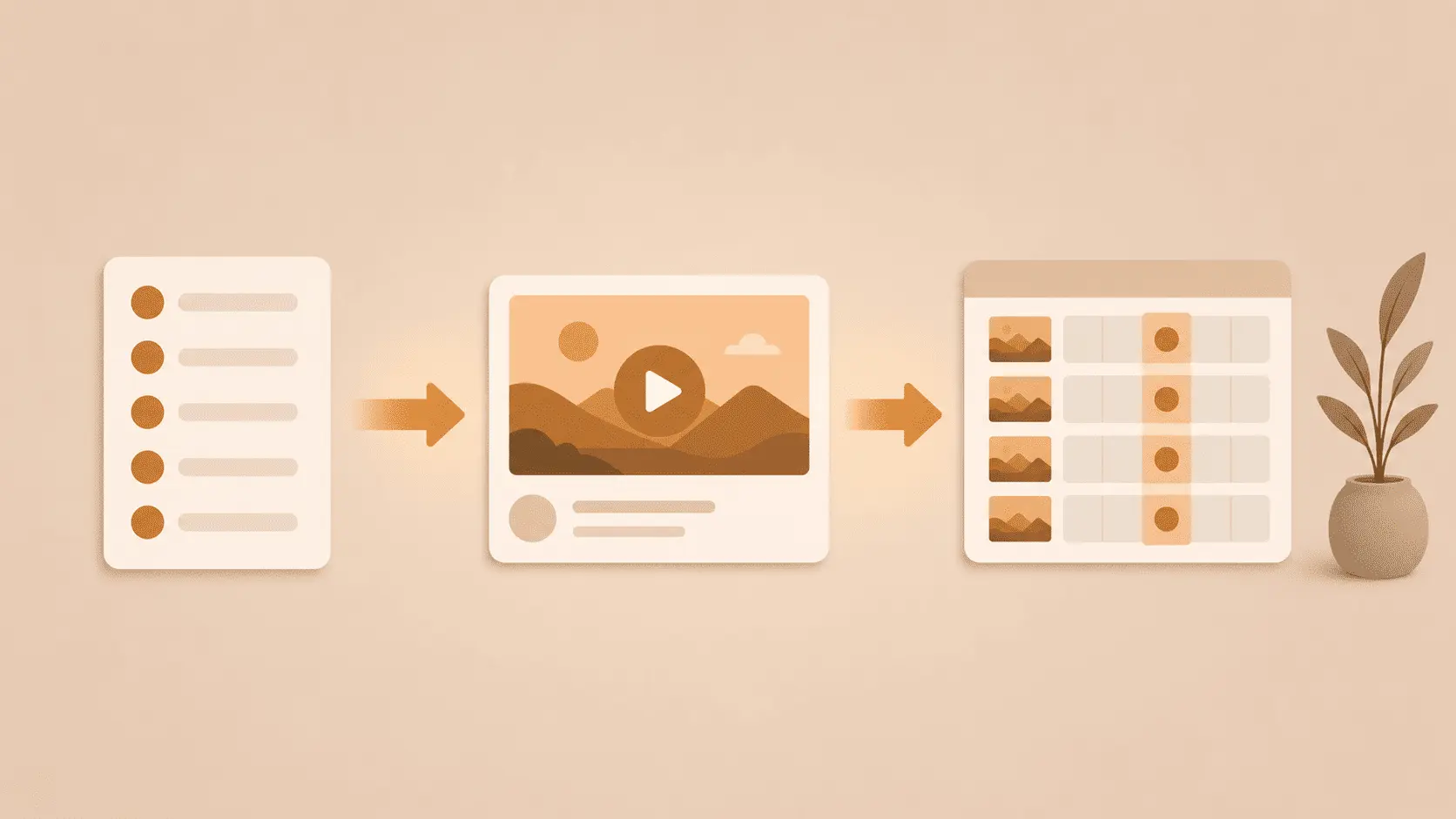
Use Series to turn one idea into many. The Series feature is built for exactly this. You define a recurring theme once and produce a run of videos around it, so your channel has a spine instead of a pile of one-offs. Think "one myth about money, every day" rather than thirty unrelated clips.
Keep a running topic bank. Every time an idea hits you, drop it in the same notes file. When batch day comes, you are choosing from a full menu instead of staring at a blank page.
Template your hooks. The first two seconds decide the video. Keep a short list of hook patterns that work for your niche and rotate them across the batch. Questions, bold claims and "most people get this wrong" openers are reliable starting points.
5. Scheduling and auto-publishing so the month runs itself
Batching only pays off if the videos actually go out on time. This is where the calendar does the work you used to do by hand.
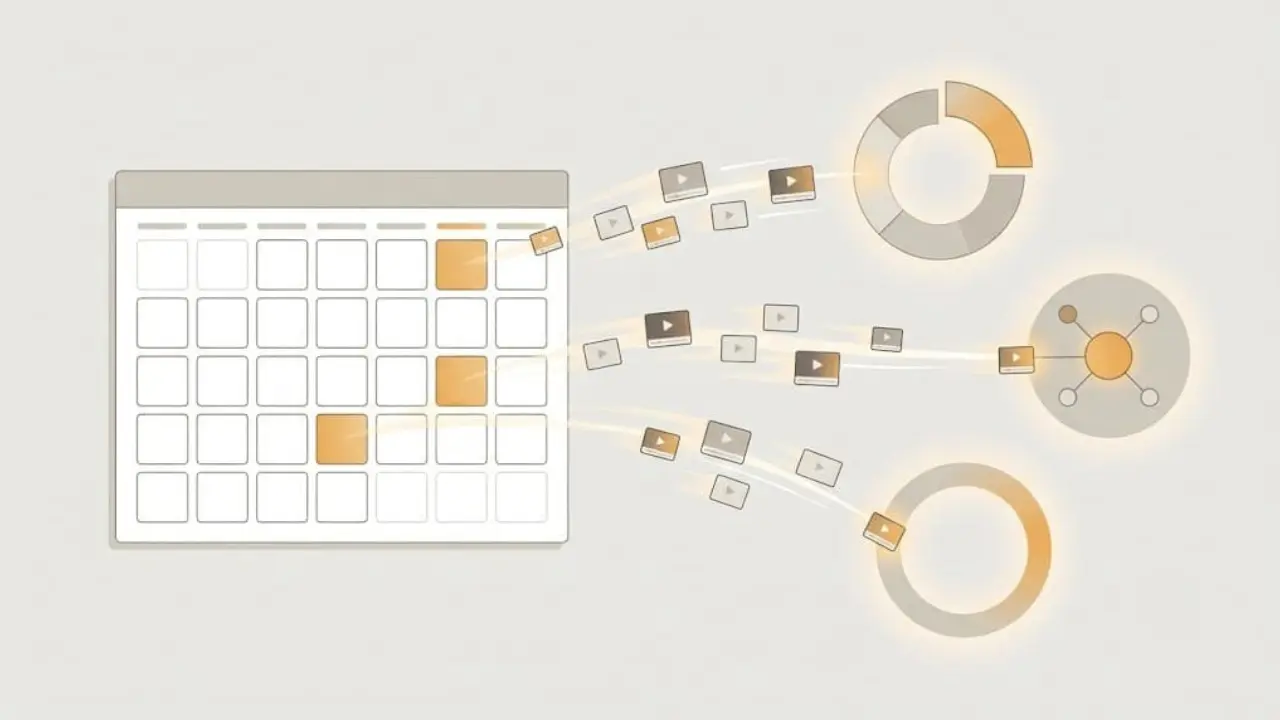
Schedule the whole batch at once. After your review pass, assign each video a publish date and time. A month of content, spaced one per day, gets queued in a couple of minutes.
Let auto-publish handle delivery. Faceless Lab can publish automatically to YouTube, Instagram, Facebook and LinkedIn. TikTok is deliberately left out of fully automatic publishing because it requires your explicit consent, so you approve those posts yourself. That is a safety choice, not a missing feature.
Autopilot for the truly hands-off. Autopilot, currently in beta, pushes this further by keeping a channel fed with minimal input from you. Treat it as a beta, keep an eye on it, and let it take over the parts you trust.
The point of all this is calm. When the month is planned and queued, a bad day at your day job does not knock your channel offline.
6. Where batching works well and where it does not
We would rather you succeed than oversell you, so here is the honest map.
Batching is a strong fit when:
- You post educational, list, story or commentary content where topics are plentiful and evergreen.
- Consistency is your bottleneck, not creativity. If you have ideas but keep missing days, batching solves your actual problem.
- You run more than one channel and simply cannot hand-make everything.
Batching is a weaker fit when:
- Your content is tied to breaking news that changes hourly. You can still batch evergreen filler, but reactive posts need same-day work.
- Every video demands heavy custom footage you have to shoot yourself. Faceless Lab handles AI visuals well, and it is not a substitute for a bespoke live shoot.
- You are still finding your niche. Batch once you know what works, not while you are testing wildly different formats week to week.
Being clear about this is the point. Batching is a force multiplier for a channel that has direction. It will not hand you the direction.
7. The verdict
If consistency is the thing that keeps breaking, batching is the fix, and Faceless Lab is built to make batching fast. Plan your topics, set a structure, a style and a voice once, generate a month of videos in an afternoon, and let scheduling carry them out day by day. You get your evenings back and your channel keeps posting.
You can start on the free trial with no credit card, and if you outgrow it the paid plans run from Starter at €19 to Growth at €59 to Pro at €149. Try one batch and see how a week of your time comes back to you.
One more thing. If this workflow helps you, repost it or share it with a creator who is stuck in the daily grind, and if you want to earn from it, our affiliate program pays you for sending people who love the product as much as we do.
Ready to batch your first month? Start free at facelesslab.video
Read more
Frequently asked questions
Q1. How many faceless videos can you realistically batch in one afternoon?
With a tool that handles script, voice, visuals, captions and music for you, a focused afternoon of roughly ninety minutes to three hours is enough to produce a month of daily short-form videos. The limit is usually your review pace, not the generation time, since each video is produced in minutes. If you prepare your topic list in advance and reuse one structure, one style and one voice across the batch, thirty videos in a session is a realistic target for most niches.
Q2. Does batching hurt video quality compared to making them one by one?
No, and often it helps. Batching keeps your structure, style and voice consistent across a run, which makes a channel feel intentional instead of random. Because you are warmed up and thinking in one lane, your hooks and scripts tend to get sharper as you go. The only quality risk is skipping the review pass. As long as you watch each video and fix weak hooks or off clips before scheduling, batched videos hold up just as well as hand-made ones.
Q3. Which platforms can Faceless Lab publish to automatically?
Faceless Lab can auto-publish your scheduled videos to YouTube, Instagram, Facebook and LinkedIn. TikTok is intentionally excluded from fully automatic publishing because it requires your explicit consent for each post, so you approve those manually. This keeps you compliant with TikTok's rules while the other platforms run hands-off. Autopilot, currently in beta, extends this further by keeping a channel fed with minimal ongoing input from you.
Q4. How much does batching faceless videos with Faceless Lab cost?
You can start on a free trial with no credit card required, which is enough to run a small batch and see the workflow. Paid plans are Starter at €19, Growth at €59 and Pro at €149, with limits that reset monthly and the option to cancel anytime. Which plan you need depends on how many videos and channels you run. Most creators testing batching start free, then move up once they know their posting cadence.
Q5. What is the difference between Series and normal batching in Faceless Lab?
Normal batching is producing a set of standalone videos in one session. Series is a feature that ties those videos to a recurring theme so your channel has a spine, for example one myth about money every day. Series makes batches repeatable and coherent, which is what turns a one-time content sprint into a channel that grows. You can batch without Series, but pairing them is how you build a system instead of a pile of clips.
Q6. How do I keep a faceless channel consistent without burning out?
Stop making videos one at a time. Keep a running topic bank so you never face a blank page, batch a full posting cycle in one session, and schedule everything to publish automatically. Reuse a single structure, style and voice per batch to cut decisions. The goal is to do the creative work once and let scheduling handle the daily delivery. When the month is already queued, a busy day in the rest of your life no longer knocks your channel offline.
Related articles
Make Faceless Real Estate Videos That Bring in Local Leads
Agents, brokers and investors can grow a local audience with market updates, buyer tips and neighborhood guides, all made as faceless videos with AI and scheduled ahead of time.
Write Faceless Video Titles, Captions and Hashtags That Get Found
A good faceless video still stalls with a vague title. Here is a simple routine for titles, captions and hashtags that helps the right viewers and platforms find your videos.
Style a Dream Room Every Day With Faceless Interior Design Videos
Start a faceless interior design channel with AI rooms, a calm voiceover and captions. Batch a week of home decor videos in one afternoon and schedule them to post themselves.