One AI Model Can't Make Every Faceless Video Look Right
Most faceless video tools render every scene through one AI model, which is why so many channels start to look alike. Here's how Faceless Lab does it differently, and why it matters for your visuals.

Stefano Ventrudo
CTO at Faceless Lab
Why we built Faceless Lab to pull from more than one AI model for your visuals, and what that changes about how your channel actually looks.
Why do so many faceless channels start to blur together after a few weeks of posting? If you scroll a niche like history, finance, or true crime for ten minutes, you'll notice the same lighting, the same faces, the same camera moves, over and over, from channel to channel. That's usually not a style choice. It's a side effect of ai video models for faceless videos being locked to a single provider, which produces the same visual grammar no matter what the script calls for. We ran into this ourselves before we started building Faceless Lab, and it's the reason the platform pulls from several AI models instead of one.
Executive Summary: Most faceless video tools generate visuals from a single AI model, which is why so many AI-made channels end up looking alike regardless of niche. Faceless Lab routes visual generation across multiple AI models through Replicate, so a moody true crime recap, a bright product review, and a soft bedtime story don't come out of the same visual mold. You still pick one of the 39 visual styles and keep it consistent episode to episode. The difference is that the model generating that style is matched to what actually renders it well, which shows up as sharper faces, steadier scenes, and fewer visuals you have to regenerate. This matters most for creators who batch content daily and can't afford to babysit every render.
Table of Contents
- Why Every Faceless Video Started to Look the Same After a Year of AI Content
- What "Multi-Model" Actually Means Inside Faceless Lab
- The 39 Visual Styles Work Because No Single Model Can Cover Them All
- How Faceless Lab Picks the Right Model for Each Scene
- How to Choose and Lock In Your Model Mix Inside Faceless Lab
- Where a Multi-Model Approach Is, and Isn't, the Right Fit
1. Why Every Faceless Video Started to Look the Same After a Year of AI Content
2026 has been the year AI video went mainstream, and it's also the year a lot of viewers started to feel fatigue toward it. Scroll any faceless niche long enough and you can usually guess which tool made a video within the first two seconds. The lighting has a particular waxy glow. Faces hold the same slightly-off expression. Backgrounds repeat the same three or four templates no matter the topic.
This happens because most video generators, including a lot of the tools built specifically for faceless content, run every single request through one image or video model. That model has strengths, but it also has a fixed personality. It renders every scene, from a courtroom drama to a cooking tip to a bedtime story, through the same visual lens, because that's the only lens it has.
The fix isn't a better prompt. It's giving the generation step more than one model to draw from, so the tool can match the model to the content instead of forcing the content to match the model.
2. What "Multi-Model" Actually Means Inside Faceless Lab
Faceless Lab runs its visual generation through Replicate, which gives us access to a range of image and video models instead of being tied to a single vendor. In practice, that means when you generate a video, the platform isn't stuck rendering everything through one model's fixed look.
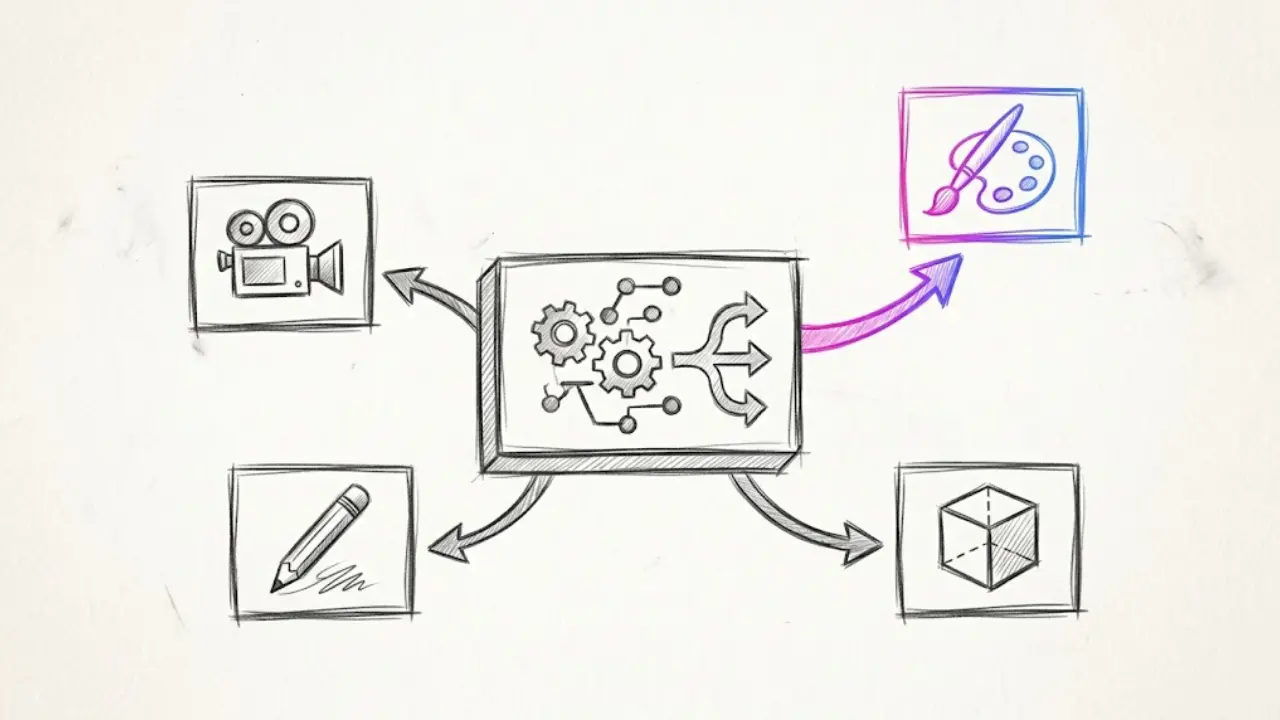
This is different from just offering more style presets. A style preset (Faceless Lab has 39 of them) controls the aesthetic direction, things like flat illustration, cinematic photoreal, 2D animation, or paper-cutout. The model behind the scenes is what actually determines how well that direction gets executed: how clean the linework is, how natural a face looks in a photoreal style, how consistent a character stays across a 45-second script.
Having multiple models available means:
- A photorealistic history recap doesn't get the same rendering engine as a flat-vector finance explainer, because they need different strengths from the model doing the work.
- When one model handles a certain type of scene noticeably better (a close-up product shot, for example, versus a wide establishing shot), the generation step can lean on the model suited to it.
- Updates to any single underlying model don't leave the whole platform dependent on one company's roadmap or one model's quirks.
You never have to know which model is running behind a given style. That part is handled for you. What you notice is the output: fewer warped hands, fewer visuals that clash with the tone of the script, fewer renders you throw away and regenerate.
3. The 39 Visual Styles Work Because No Single Model Can Cover Them All
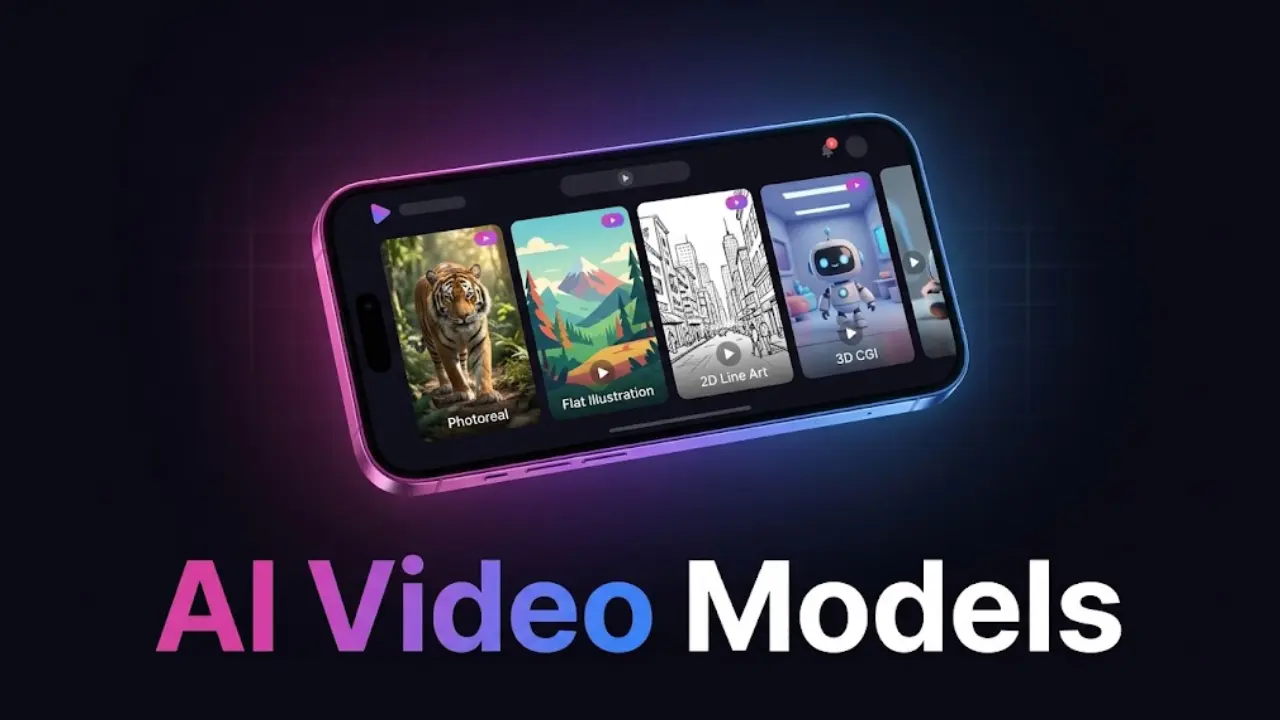
Thirty-nine styles is a lot of ground to cover, from photoreal cinematic to hand-drawn 2D to stylized 3D to paper collage. Ask any single AI image model to execute all 39 of those directions equally well, and you'll get some styles that look great and others that look flat or generic. That's simply how these models work: each one was trained differently, and each one has a visual range it's genuinely good at.
A multi-model setup means the style you pick is being generated by whichever model actually renders that aesthetic well, rather than by whatever one model the whole tool happens to be built on. That's part of why you can go from a moody true crime recap to a bright and punchy top-5 list inside the same account and have both actually look like they were made for their niche, not like two videos forced through the same filter with different colors.
It also means the style library can keep growing without the platform being boxed in by a single model's limitations. New rendering approaches can be added as new models become available, instead of waiting on one vendor to expand what their model can do.
4. How Faceless Lab Picks the Right Model for Each Scene
You don't manage this part, and you're not meant to. When you set up a video (or a full Series running on Autopilot), you choose your script, your voice from the 200+ ElevenLabs options, your visual style, and your structure from the 8 available formats. From there, Faceless Lab's generation pipeline handles which model renders which scene based on the style you picked and what the scene calls for.
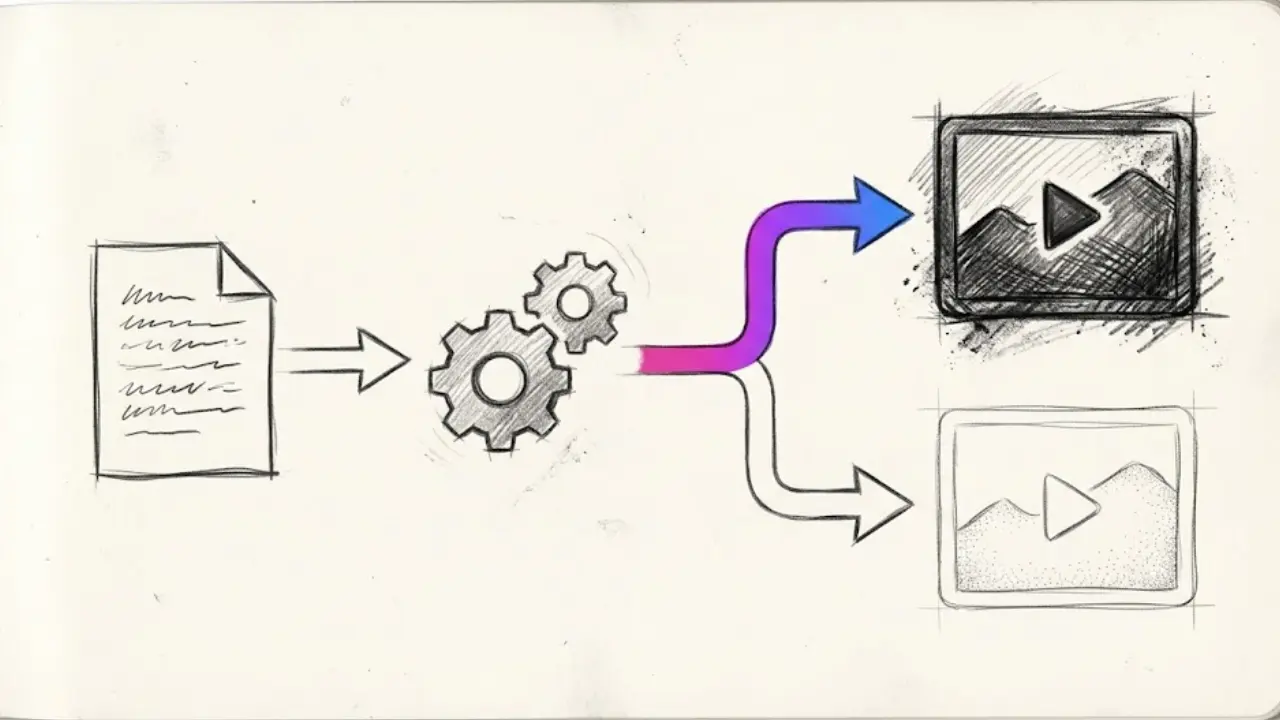
This matters most once you start batching. If you're producing daily episodes for a Series, you're not sitting there reviewing every single frame. The platform needs to make good model choices on its own, consistently, so what comes out the other end matches your chosen style episode after episode without you manually correcting it.
Autopilot is still in beta, and we're upfront about that. It handles scheduling and generation for a running Series, but it's worth checking your output periodically, especially early on, the same way you'd check any automated system before trusting it fully with a channel you care about.
5. How to Choose and Lock In Your Model Mix Inside Faceless Lab
You don't select models directly inside Faceless Lab, and that's intentional. Here's what the actual workflow looks like from your side:
Step 1: Pick your niche and script first. The type of content you're making (finance breakdown, horror story, product review) determines which visual approach will actually serve it, so start there rather than starting with a style you like the look of.
Step 2: Choose one of the 39 visual styles and commit to it. Browse the style options inside the editor and pick the one that fits your niche and your topic. This is the direction the generation pipeline will match to the right rendering approach behind the scenes.
Step 3: Generate a short test video first. Before you batch a week of content, generate one or two videos and actually watch them. Check faces, check text legibility, check how scenes transition. This takes a few minutes and saves you from discovering an issue after 20 videos are already scheduled.
Step 4: Adjust the style, not the platform. If something in the visuals doesn't sit right, switching to a different style (rather than trying to force the current one) is usually the fastest fix, since it changes what's being generated instead of fighting the output.
Step 5: Lock it in for your Series. Once a style is working, apply it across your Series settings so every future episode under Autopilot follows the same visual identity automatically.
Step 6: Recheck every so often. Models and styles get refined over time. A quick spot check every couple of weeks on a running Series takes two minutes and catches drift before your audience does.
6. Where a Multi-Model Approach Is, and Isn't, the Right Fit
We'd rather tell you straight where this helps and where it doesn't, instead of overselling it.
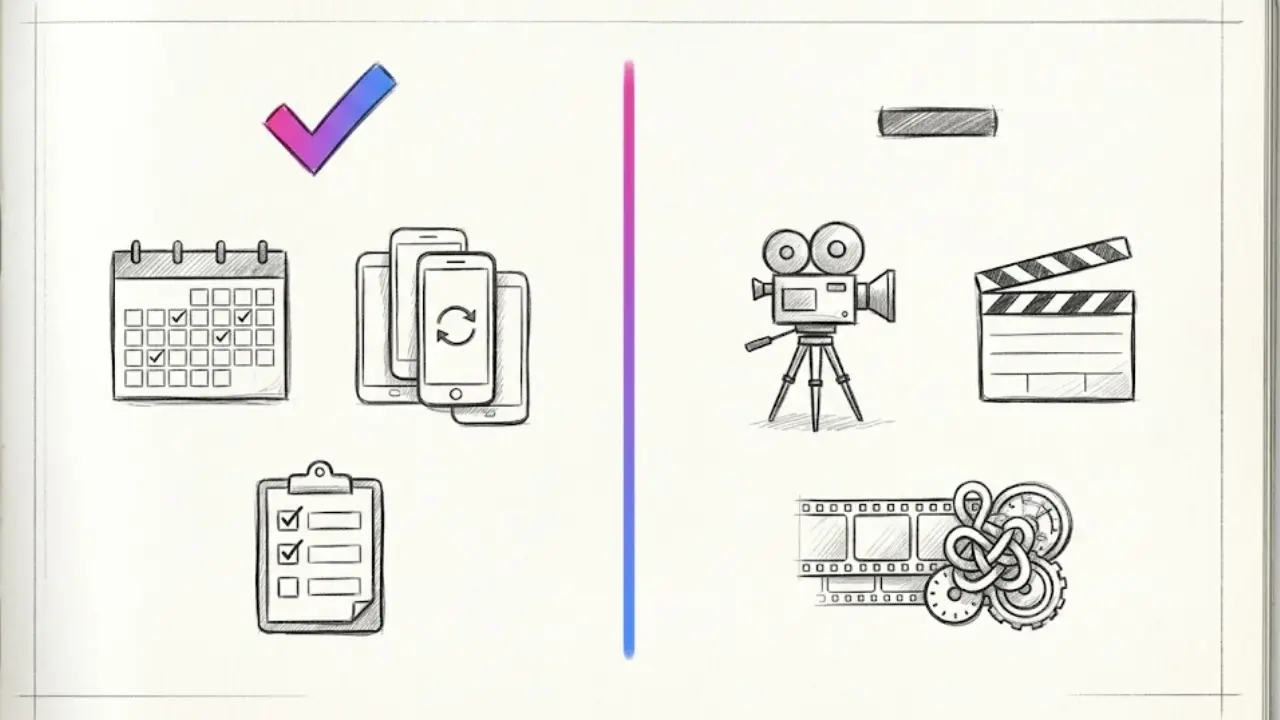
Where it helps:
- You're running more than one channel or niche and need each to have its own distinct look without switching tools.
- You batch content and can't manually fix visual glitches on every video before it goes out.
- Your niche depends on a specific mood (horror, true crime, ASMR) where a generic AI look actively hurts watch time.
Where it matters less:
- You're only posting a handful of videos a month and reviewing each one closely before publishing anyway. At that volume, you'd likely catch and fix visual issues manually regardless of how many models are behind the scenes.
- You want one extremely specific look that's outside all 39 current style presets. No style library, ours included, covers every possible aesthetic.
- You're publishing to TikTok as your main platform and relying on Faceless Lab's fully automatic auto-publish. TikTok is currently excluded from fully automatic publishing and requires your explicit consent step, so that part of the workflow still needs a manual touch regardless of how the visuals were generated.
If your priority is consistent, on-brand visuals across daily or near-daily output, this is exactly the problem multi-model generation is solving. If you're posting occasionally and reviewing everything by hand, it's a nice-to-have rather than the deciding factor.
Try It Yourself
If your faceless videos have started to feel a little too familiar, in the "I've seen this exact shot before" way, the fix usually isn't a better prompt. It's giving the generation step more than one model to pull from, and letting your style choice do the rest of the work.
We built Faceless Lab this way because it's the tool we wanted for our own channels, and we're still the ones using it daily. Start on the free trial, pick one of the 39 styles that fits your niche, and watch what a matched model actually looks like against a script instead of a generic one.
If this helped you understand what's happening behind your visuals, sharing it with another creator dealing with the same "everything looks the same" problem helps more than you'd think, and if you run a blog, newsletter, or channel of your own, our affiliate program is open if you'd rather recommend Faceless Lab directly to your audience.
Read more
Frequently asked questions
What does "multi-model" mean in an AI video generator?
It means the tool doesn't rely on a single AI model to generate every image or scene. Instead it can pull from several different image and video models, each with its own strengths, and route a given request to whichever one handles that type of visual best. A cinematic photoreal scene and a flat illustration might come from two different models entirely, even inside the same tool and the same video. The result is visuals that fit the content instead of every scene coming out with the same look regardless of the topic or style you picked.
Does Faceless Lab use more than one AI model for visuals?
Yes. Faceless Lab generates visuals through Replicate, which gives it access to a range of image and video models rather than being built on a single one. You still pick your visual style from the 39 options available, and the generation pipeline handles matching that style to a model suited to rendering it well. You don't need to choose or manage the model yourself, it happens automatically as part of generating your video.
Will using multiple AI models make my faceless channel look inconsistent?
No, and this is a common mix-up. The visual style you choose (one of 39 inside Faceless Lab) is what defines your channel's consistent look, not the underlying model. Once you lock in a style for your channel or Series, every video generated under that style keeps the same visual identity, regardless of which model rendered a given scene behind the curtain. Consistency comes from your style choice and sticking to it, which we cover in more depth in our guide on picking one visual style.
How many visual styles does Faceless Lab offer?
Faceless Lab currently offers 39 visual styles, ranging from photorealistic and cinematic looks to flat illustration, 2D animation, 3D, and paper-style aesthetics. You pick one style per channel or Series and apply it consistently across your videos, rather than switching styles video to video, which is what keeps a channel looking cohesive over time. Browsing the full style library inside the editor before you generate your first video is worth the few extra minutes, since the style you pick is what your audience will come to recognize as your channel's look.
Do I need to pick the AI model manually for each video?
No. Faceless Lab handles model selection automatically based on the visual style and scene type, you never see or choose a model directly inside the editor. What you control is your script, your voice (from over 200 ElevenLabs options), your visual style, and your video structure (one of 8 available formats). The model routing happens behind the scenes so you can focus on the creative decisions that actually shape your content.
Is a multi-model approach better than a single-model AI video tool?
It depends on how you use the tool. If you batch daily content or run multiple channels with different visual needs, a multi-model approach tends to produce more consistent, higher-quality results because each style gets rendered by a model suited to it. If you post occasionally and review every video by hand before publishing, the difference matters less, since you'd likely catch and fix visual issues manually either way. It's a bigger advantage at scale than at low volume.
Related articles
The AI Voice You Pick Says More Than Your Script Does
Faceless Lab gives you 200+ ElevenLabs voices, but grabbing the first one is how channels end up sounding generic. Here is how to choose, test and lock in the right one.
YouTube Just Turned Shorts Into Shows. Here Is How to Make a Faceless One
YouTube now lets creators group Shorts into seasons and episodes. Here is how faceless creators can plan a season, script cliffhangers and ship every episode on schedule.
Animal Facts Are the Faceless Niche People Send to Their Friends
Animal facts are one of the easiest faceless niches to start and one of the most shared. Here is how to pick a sub-niche, script shorts that hold, keep every fact accurate, and post daily.