Your Faceless Channel Needs One Visual Style, Not a New Look Every Video
Every video with a different look trains people to forget you. Here is how to choose one visual style for your faceless videos, match it to your niche, and keep it consistent so your channel gets recognized.
Roberto Pasqualini
CMO at Faceless Lab
A practical guide to choosing a visual style for your faceless videos, the parts that make a look recognizable, how to match a style to your niche, and how to keep it consistent so every upload feels like it came from the same channel.
What visual style should your faceless videos actually use? It is the question we get most after "what do I post," and it decides more than new creators expect. Your faceless video visual style is the first thing a viewer clocks in the half second before they choose to keep watching or flick past, and that half second is crowded with AI clips that all look the same. This guide walks through how to pick a look, build it from a few simple parts, and repeat it so your channel becomes something people recognize on sight.
Executive Summary
A faceless video visual style is the repeatable look that makes your clips recognizable before anyone reads a caption or hears a word, and it comes from a small set of choices: the kind of visuals you use, a color and lighting mood, your caption design, and your pacing. The common mistake is treating every video as a blank canvas and changing the look each time, which teaches both the algorithm and the audience to read you as noise. Choose one style that fits your niche, lock it, and let it repeat across every upload. Inside Faceless Lab you pick from 39 visual styles and several image and video models through Replicate, then reuse the same setup with Series so a whole run of videos shares one identity without you rebuilding it each time.
Table of Contents
- Why your visual style decides if people remember you
- The building blocks of a faceless video style
- How to choose a style that fits your niche
- How to lock your visual style inside Faceless Lab (step by step)
- Keep it consistent across every video you publish
- Where a fixed visual style helps, and where it holds you back
1. Why your visual style decides if people remember you
Before a viewer reads your hook, they have already judged your video on how it looks. On a short-form feed that decision lands in well under a second, and it repeats every time your channel shows up. A look that stays the same is doing quiet work for you in the background.
The first half second is a look, not a sentence
People do not read on the feed, they glance. Color, motion, and caption style register before the words do. If your first frame looks like every other AI clip in the scroll, you are relying entirely on the hook to save you. A distinct look buys you the extra beat of attention that lets the hook do its job.
Recognition is what turns views into a channel
One video getting views is luck. A channel growing is recognition. When your third video looks like your first, a returning viewer feels it instantly, even if they cannot name why. That familiarity is what moves someone from "saw a clip once" to "I follow this channel." A look that changes every upload resets that memory to zero each time.
In 2026, sameness is the real risk
The first wave of AI video won attention just by existing. That novelty is gone. Audiences now tune out clips that feel generic, and the thing that stands out is a clear point of view rather than raw output volume. A visual style is how you show a point of view before you have said a word.
2. The building blocks of a faceless video style
A "style" sounds vague until you break it into parts you can actually set. Most of a recognizable look comes from four or five decisions, and once you make them you rarely touch them again.
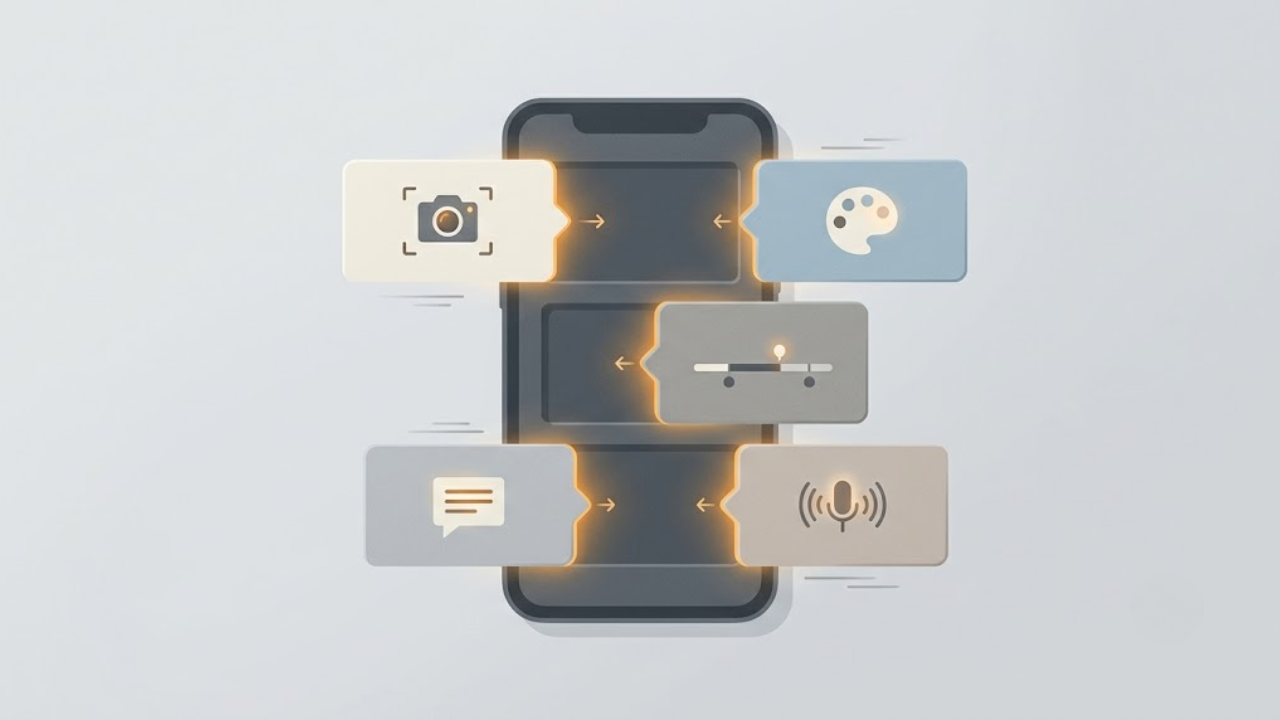
- Visual source. The biggest lever. Are your visuals AI-generated scenes, stock footage, motion graphics and text on screen, or a mix? This alone separates a moody storytelling channel from a clean finance channel.
- Color and light mood. Warm and cinematic, high-contrast and punchy, soft and pastel, dark and dramatic. Pick a mood and let every clip live inside it.
- Caption design. Font, size, position, and the highlight color on the active word. Captions are on screen for almost the entire video, so their look is a huge part of your identity, not an afterthought.
- Motion and pacing. Fast cuts every second read as energetic and young. Slower holds read as calm and premium. Your cut rhythm is part of the style, and viewers feel it even if they never notice it.
- Voice. In a faceless video the voice is your on-camera talent. A consistent voice ties the whole channel together the same way a face would.
💡 Try it: you can set every one of these in a few clicks. https://facelesslab.video/dashboard and pick your first look.
The point is not to get all five perfect on day one. It is to decide them once, write them down, and stop renegotiating them every video.
3. How to choose a style that fits your niche
The right style is the one that matches what your niche rewards. A look that works for a horror storytelling channel will sink a personal finance channel, and the other way round. Start from the content, then pick the look.

Match the mood to the message
- Motivation and mindset: cinematic, high-contrast visuals, slower holds, bold captions. The look should feel weighty.
- Finance, tech, and education: clean backgrounds, clear motion graphics, readable captions, data on screen. Trust comes from looking tidy.
- Storytelling, Reddit, and fake-text formats: text-forward or illustrative visuals where the words carry the video and the imagery supports it.
- History and documentary: archival-feeling, cinematic, muted color, steady pacing that gives each fact room to land.
- Aesthetic, luxury, and travel: rich color, smooth motion, minimal captions, a look that feels expensive.
Pick one, then test a second
You do not have to guess forever. Choose the one style that fits best, then run a small test. Publish a week of videos in style A and a week in style B, and read the retention and saves, not just the view counts. The winner becomes your default. With 39 styles available inside Faceless Lab you have plenty to test against, but the goal is to end with one, not to keep rotating.
4. How to lock your visual style inside Faceless Lab (step by step)
Here is how we set a repeatable look from a single idea. The whole thing takes minutes, and most videos render in two to five.
- Start from an idea or a script. Type a topic and let the AI draft the script, or paste your own. The words come first because they decide what the visuals need to show.
- Choose your structure. Pick from 8 built-in structures so the video is shaped for the format you are making, from listicles to story arcs.
- Pick your visual style. Choose one of the 39 styles as your channel look. This is the decision you are going to reuse, so pick the one that fits your niche from section 3.
- Select your image and video model. Faceless Lab runs multiple models through Replicate, so you can choose the engine that renders your chosen style best and keep using it.
- Set your voice. Pick from 200+ ElevenLabs voices. Choose one and treat it as your channel's voice from now on.
- Lock captions and music. Set your caption font, position, and highlight color, and choose a music mood that matches. These stay fixed too.
- Choose your aspect ratio. 9:16 for Shorts, Reels and TikTok, 16:9 for wide, or 1:1 where it fits.
- Generate, then reuse with Series. Once one video looks right, use Series to turn one idea into a run of videos that all share the same style, so you are not rebuilding the look each time.
- Schedule and publish. Queue your videos and let Faceless Lab publish on a rhythm. Autopilot is in beta if you want it more hands-off. Note that TikTok is left out of fully automatic publishing and needs your explicit consent, so you stay in control there.
💡 Try it: Create your first styled video free and save the setup for the next one.
5. Keep it consistent across every video you publish
Choosing a style is the easy half. Keeping it is where channels win or drift. Consistency is not about being rigid, it is about removing the decision so you can spend your energy on ideas instead.
Write a one-line style sheet
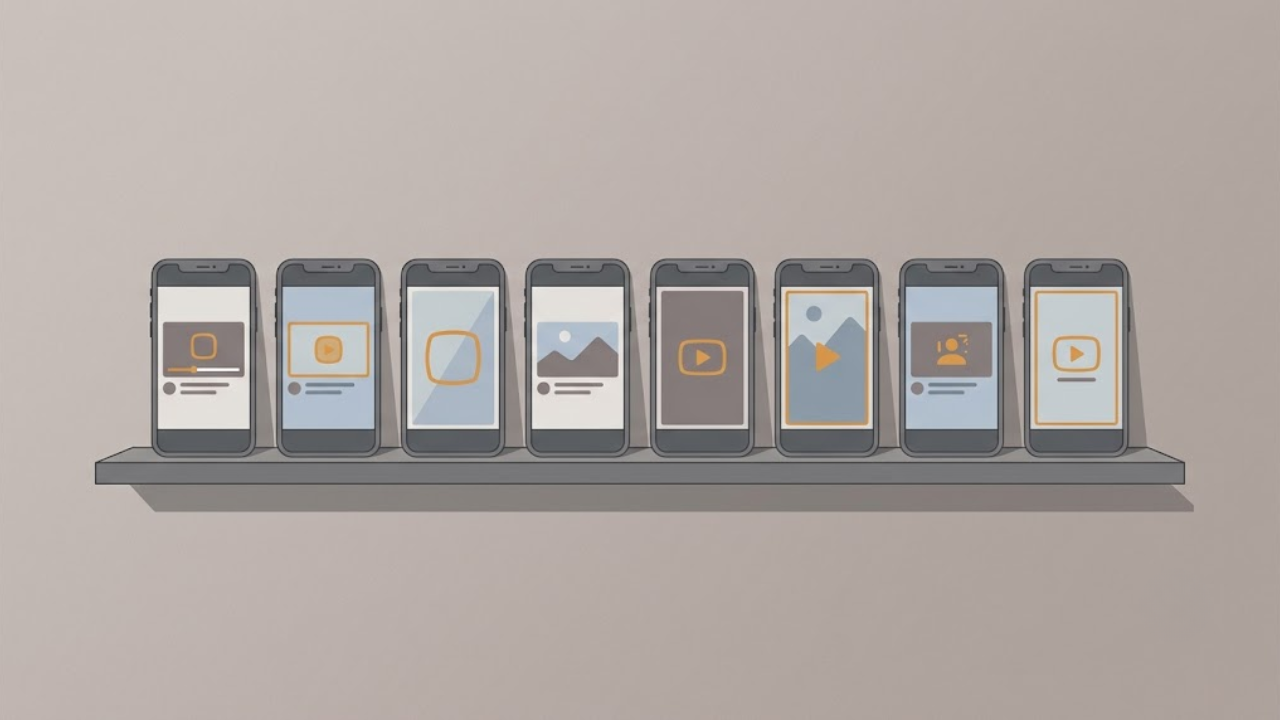
Put your look in a single note: visual style name, model, voice, caption font and highlight color, music mood, aspect ratio. When you open a new video, you are copying a recipe, not inventing one. This is what keeps video number forty looking like video number one.
Reuse the setup, do not rebuild it
This is what Series is for. Instead of setting the look each time, you define it once and let a whole run inherit it. Batch ten videos in an afternoon and they will feel like one channel because they were built from one setup.
Same identity, different frames
Publishing a Short at 9:16 and a wide version at 16:9 does not mean two different styles. Keep the color, captions, voice, and pacing identical across placements so the channel reads as one thing everywhere it appears. Then let scheduling keep you posting on a steady rhythm, because consistency of look and consistency of posting are the same growth lever pulled twice.
6. Where a fixed visual style helps, and where it holds you back
We would rather be honest than oversell, so here is where a locked style is the right call and where it is not.
Where it helps. If you are growing a channel, batching content, or just starting out, a fixed style is a clear win. It builds recognition, makes batching fast, removes decision fatigue, and stops the "every video looks different" problem that quietly kills new channels. For most faceless creators this is the whole game.
Where it holds you back. A single locked look is not right for everything. Some formats genuinely need variety, for example a trend-jacking channel that reacts to whatever is happening this week, or a broad channel that covers very different topics. A style can also go stale if you never refresh it, so treat it as something you revisit every quarter, not a life sentence. Faceless Lab gives you 39 styles and multiple models precisely so you can evolve the look when the data says to, but the discipline to not change it every single video is on you.
Where a different tool fits better. If your goal is frame-by-frame manual control of every clip and transition, a full timeline editor will give you more knobs to turn. Faceless Lab is built for speed and consistency at volume, so you can post often without the production grind. If you want to hand-craft one hero video a month, that is a different job. If you want to publish three a week that all look like you, this is exactly what we built it for.
Conclusion
A visual style is the cheapest growth lever most faceless creators ignore. You do not need a bigger budget or a new niche, you need one look that repeats until people recognize it on sight. Pick the style that fits your content, write it down, and let a tool carry it across every upload so you can go back to thinking about ideas.
If this helped, repost it to a creator who still changes their look every week, and if you want to earn while you share Faceless Lab, our affiliate program pays you for every creator you bring in.
Ready to give your channel a look people recognize? Try Faceless Lab free.
Read more
Frequently asked questions
What is a visual style for a faceless video?
It is the repeatable look that makes your clips recognizable before anyone reads or hears anything. It is made up of a few fixed choices: the type of visuals you use (AI-generated, stock, or motion graphics), a color and lighting mood, your caption design, your cut pacing, and your voice. Together these form a signature. When every video shares the same signature, returning viewers recognize your channel instantly, which is what turns scattered views into real growth. The style is not the video, it is the frame everything sits inside.
How do I choose the right visual style for my niche?
Start from the content, not the look. Motivation and mindset channels tend to reward cinematic, high-contrast visuals with slower pacing. Finance, tech, and education do better with clean backgrounds and clear graphics that feel trustworthy. Storytelling and Reddit formats lean text-forward. History suits archival, muted, documentary looks. Pick the one that matches what your niche rewards, then run a small test: publish a week in one style and a week in another, and compare retention and saves. Keep the winner as your default and stop rotating.
How many visual styles does Faceless Lab offer?
Faceless Lab gives you 39 visual styles to choose from, plus several image and video models through Replicate, so you can find the exact look that fits your channel. The point is not to use all of them. You pick the one style that fits your niche and reuse it, so every video reinforces the same identity. The variety is there so you can test options and, later, evolve your look when the data tells you to, without ever having to leave the tool or rebuild your setup from scratch.
How do I keep my faceless videos looking consistent?
Write a one-line style sheet with your style, model, voice, caption font and highlight color, music mood, and aspect ratio, then treat it as a recipe you copy every time. Inside Faceless Lab, the faster route is Series: you define the look once and a whole run of videos inherits it, so batching ten videos in an afternoon still produces one coherent channel. Keep the same identity even when you change aspect ratio, so a 9:16 Short and a 16:9 wide version still read as the same channel.
Should every video on my channel use the same style?
For most faceless creators, yes. A consistent style builds recognition, speeds up batching, and removes decision fatigue, which is exactly what growing channels need. The exceptions are channels built on variety, like a trend-reacting channel or a broad multi-topic channel, where some visual range is part of the appeal. Even then, keep anchors fixed, such as your captions and voice, so there is still a thread tying it together. And refresh your style every quarter or so, so a fixed look does not slowly go stale.
Can I change my visual style later without losing my audience?
Yes, and you should when the data calls for it. A style that once worked can grow stale, so treat it as something you revisit roughly every quarter rather than something permanent. When you do refresh, change it deliberately and all at once, not video by video, so the update reads as an intentional new chapter instead of random drift. Because Faceless Lab keeps 39 styles and multiple models in one place, evolving your look is a setting change, not a rebuild, and your core anchors like voice can stay put to smooth the transition.
Related articles
5 Analytics Numbers That Tell You What to Post Next on a Faceless Channel
Skip the dashboard overload. Check five numbers on YouTube, Instagram and TikTok, spot why a faceless video lost viewers, and use a 20-minute weekly routine to decide what to post next.
A/B Test Your Faceless Video Hooks Without Any Testing Tool
YouTube cannot A/B test Shorts, and Reels and TikTok have no hook tester either. Here is a simple one-variable method to find the opening line that keeps viewers watching on your faceless channel.
Brand a Faceless Channel So Viewers Recognize It Without a Face
No face means your brand has to do the remembering. Here are the five signals that make a faceless channel recognizable, and how to set them once and keep them steady across every video.