How Do You Auto-Publish Faceless Videos in 2026? The Full Hands-Off Guide
Learn how to auto-publish faceless videos to YouTube, TikTok, Instagram, and LinkedIn in 2026 with this practical step-by-step guide. Discover how scheduling, AI-generated captions, Series, and Autopilot help you turn a single idea into a full week of content, stay consistent, and grow your channel without spending hours posting manually.


Stefano Ventrudo
CTO at Faceless Lab
A practical 2026 guide to scheduling and auto-publishing faceless videos to TikTok, YouTube, Instagram and LinkedIn, plus how Autopilot turns a single idea into a full week of posts.
How do you auto-publish faceless videos in 2026 without babysitting every upload? That is the question almost every creator hits after their first month, because making the video was never the hard part. The hard part is posting on a rhythm your audience and the algorithm can rely on, week after week, when life gets busy and motivation dips.
This guide walks through what auto-publishing actually is, which platforms you can post to automatically, the one important exception with TikTok, and the exact step-by-step for setting it up inside Faceless Lab so an idea on Monday becomes a week of scheduled videos by Tuesday.
Table of Contents
- Why Auto-Publishing Is the Real Faceless Skill in 2026
- What Auto-Publishing Actually Means, and What It Does Not
- The Platforms You Can Auto-Publish To, and the TikTok Exception
- How to Set Up Auto-Publishing Inside Faceless Lab (Step by Step)
- Autopilot and Series, One Idea Into a Week of Posts
- Where Auto-Publishing Is and Is Not the Right Choice (Honest Take)
- A Simple Weekly Posting System That Actually Sticks
- Frequently Asked Questions
Why Auto-Publishing Is the Real Faceless Skill in 2026
Everyone talks about scripts, voices and visuals. Almost nobody talks about the part that quietly kills channels, which is the daily grind of actually posting. I am Roberto, and my co-founder Stefano runs three faceless YouTube channels on Faceless Lab. The pattern we see over and over is simple. People make five great videos, post two, get busy, and the channel goes quiet. The algorithm notices the silence long before the audience does.
Consistency is a distribution signal
TikTok, YouTube and Instagram all reward accounts that post on a predictable rhythm. A channel that publishes daily for a month gives the algorithm dozens of chances to find the right audience. A channel that posts twice and stops gives it almost none. Auto-publishing removes the human bottleneck that stands between a finished video and a live post.
The math of manual posting
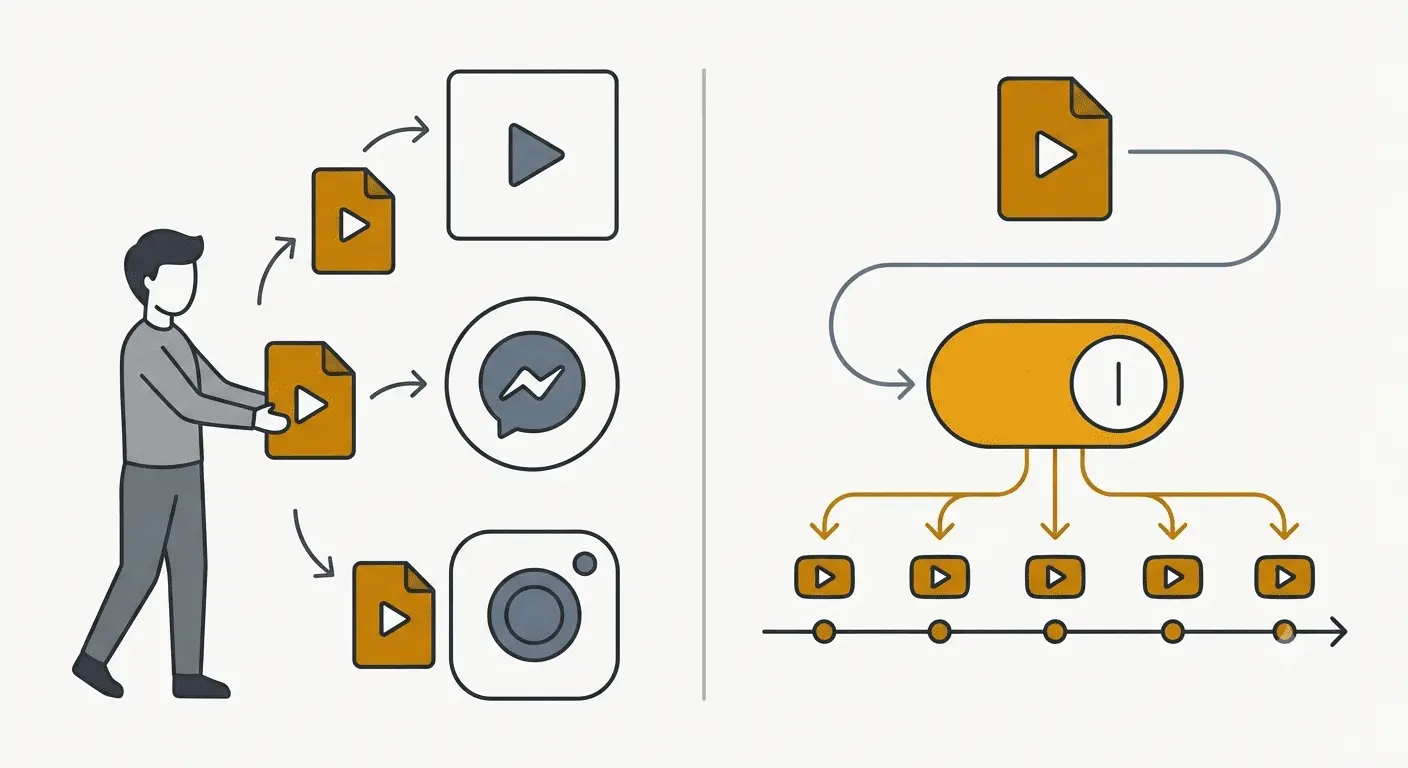
Uploading one short by hand looks quick until you add it up. Exporting, opening each app, writing a caption, picking hashtags, setting a cover, and scheduling a time runs roughly 10 to 15 minutes per platform. Across four platforms and a daily schedule, that is a part-time job on top of the one you already have. Automating it is the difference between a hobby that fizzles and a channel that compounds.
What Auto-Publishing Actually Means, and What It Does Not
There is a lot of loose language around automation, so it helps to be precise about what a tool is really doing when it says it publishes for you.
What it does
- Connects to your accounts. You link your social profiles once, with proper authorization, so the tool can post on your behalf.
- Schedules to a calendar. You batch several videos, assign each a date and time, and the tool releases them on that schedule without you being present.
- Writes the metadata for each platform. In Faceless Lab, the AI generates per-social captions tuned to each network, including the cover, title, description, hashtags and keywords, so a YouTube upload reads differently from an Instagram one.
What it does not do
Auto-publishing is not a magic growth button. It will not fix a weak hook, a boring topic or a niche with no audience. It removes the friction of posting, which is the single most common reason channels go dark. It does not remove the need to choose good ideas. Think of it as the reliable delivery system that lets your good ideas actually reach people on a schedule.
The Platforms You Can Auto-Publish To, and the TikTok Exception
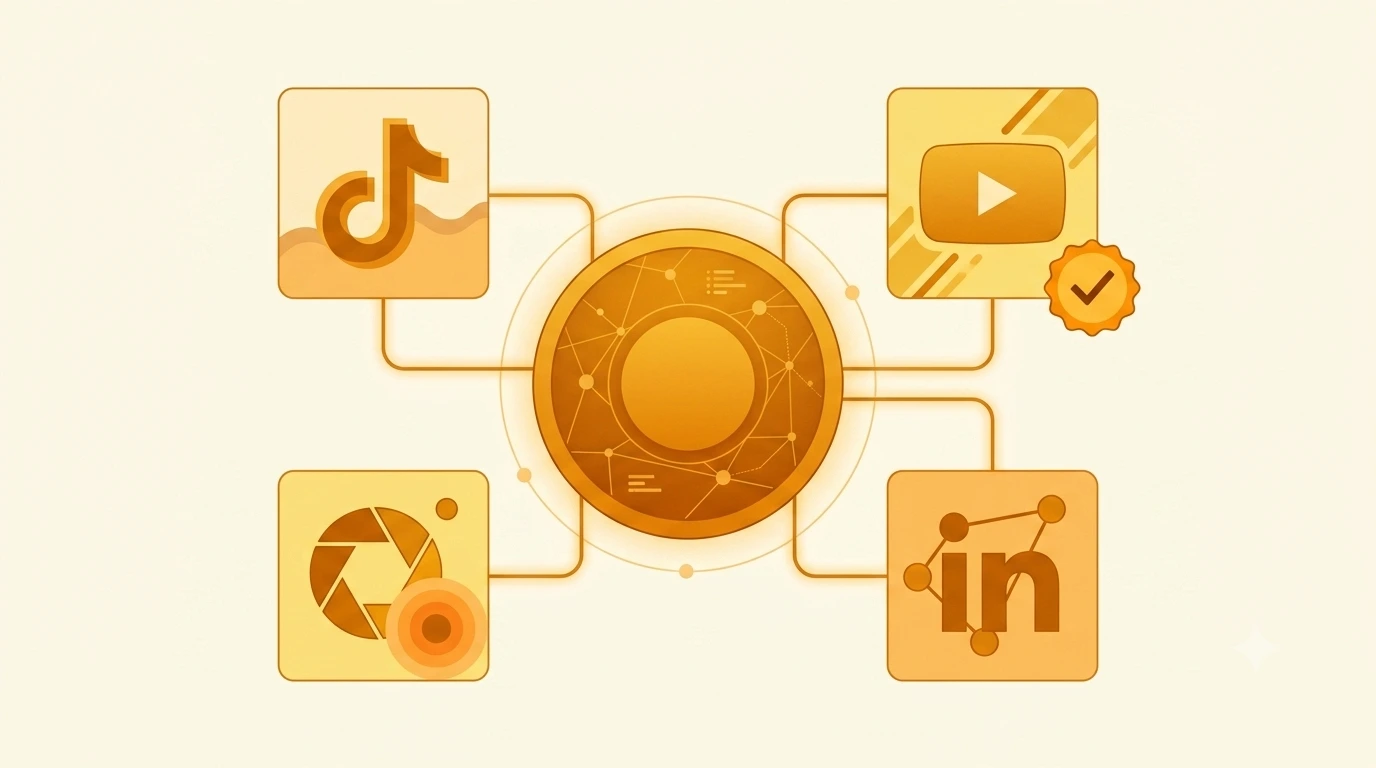
Faceless Lab publishes and schedules to four platforms. Each has its own format expectations, and the AI caption layer adapts the post to fit.
The four supported platforms
- YouTube. Ideal for Shorts and for search-driven discovery. Titles matter here, so the AI writes a keyword-aware title rather than a bare caption.
- Instagram. Reels reach a slightly older, save-happy audience. Captions lean toward a save or share trigger.
- LinkedIn. Underrated for faceless business and education content, with far less competition than the entertainment platforms.
- TikTok. The strongest organic reach for short-form, with one important handling rule below.
The TikTok exception
TikTok is excluded from fully automatic auto-publish. It asks for your explicit consent before a video goes live, which is a platform policy around automated posting rather than a limitation of the tool. In practice you still batch and prepare TikTok videos inside Faceless Lab, and you give a quick confirmation before each one publishes. Everything else can run hands-off. It is worth knowing this upfront so your posting plan accounts for that one manual tap.
Format coverage
Faceless Lab exports in 9:16, 16:9 and 1:1, with durations from 15 seconds up to 3 minutes, so the same idea can be shaped for a vertical Short, a square feed post or a wider YouTube cut.
How to Set Up Auto-Publishing Inside Faceless Lab (Step by Step)
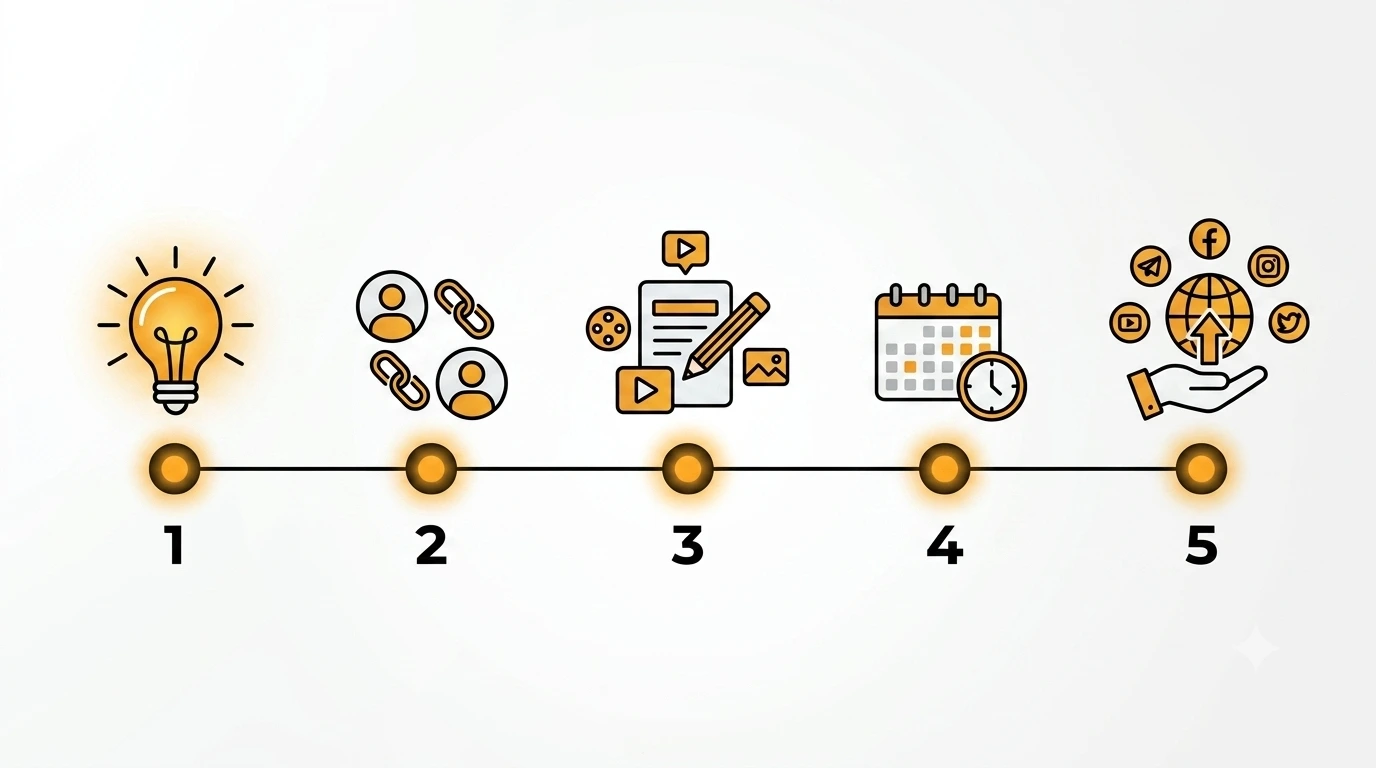
Here is the actual workflow we walk new creators through. It takes a few minutes the first time and almost none after that.
Step 1: Connect your social accounts
Inside the dashboard, link the platforms you want to post to. Authorize YouTube, Instagram and LinkedIn for automatic scheduling, and connect TikTok knowing it will ask for your confirmation at publish time. You do this once.
Step 2: Generate your videos
Pick your input mode. Video from an idea takes a simple prompt. Video from a script splits a script you already wrote into scenes without inventing anything, so your words stay yours. Series takes your business context and generates ideas, scripts and social captions in batch, up to 6 at a time. Choose from the 8 narrative structures (or Auto), pick one of the 39 visual styles, and select a voice from the 200-plus ElevenLabs library.
Step 3: Review the per-platform captions
For each video, the AI drafts the cover, title, description, hashtags and keywords for every connected platform. Skim them. This is where 30 seconds of review protects the credibility of an otherwise strong video, especially the title on YouTube and the hook line on TikTok.
Step 4: Schedule the calendar
Assign each video a date and time. A common setup is one post per day at a fixed slot. Batch ten videos in an afternoon and let the calendar release them one per day for the next ten days.
Step 5: Let it run, and confirm TikTok
YouTube, Instagram and LinkedIn publish on schedule with no further action. For TikTok, give the quick consent tap when prompted. That is the whole loop.
💡 Start free on Faceless Lab, no credit card required, and connect your first account in minutes.
Autopilot and Series, One Idea Into a Week of Posts
Scheduling is powerful on its own. The next level is generating the content that fills the calendar without doing it one video at a time.
Series, batch content from your context
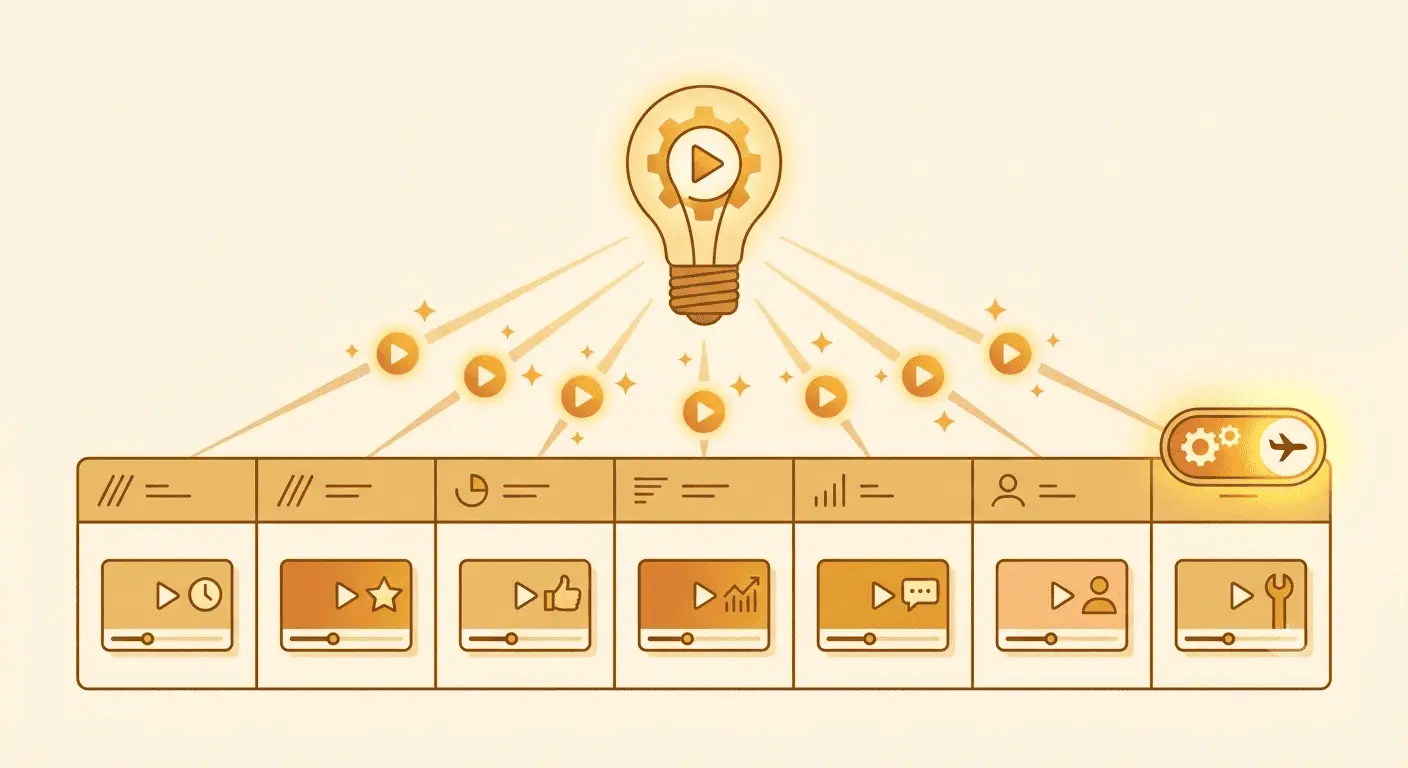
Series is built for creators and small businesses that need an engine, not a one-off clip. You give it your business context and it generates ideas, scripts and social captions in batch, up to 6 at a time. If you sell a product or run a themed channel, this keeps every video tied to what you actually do rather than random topics.
Autopilot, the full pipeline (beta)
Autopilot is currently in beta, and it runs the entire chain end to end: idea, script, video, publish. You set the direction and it produces and queues the posts. This is how a topic entered on Monday becomes a week of scheduled videos by Tuesday. Because it is beta, treat it as a strong assistant you still glance over, rather than a set-and-forget black box, and you will get the best of both.
💡 Want the batch approach in detail? Read How to Run a Faceless Channel with Series, Batch a Month of Content in One Afternoon.
Where Auto-Publishing Is and Is Not the Right Choice (Honest Take)
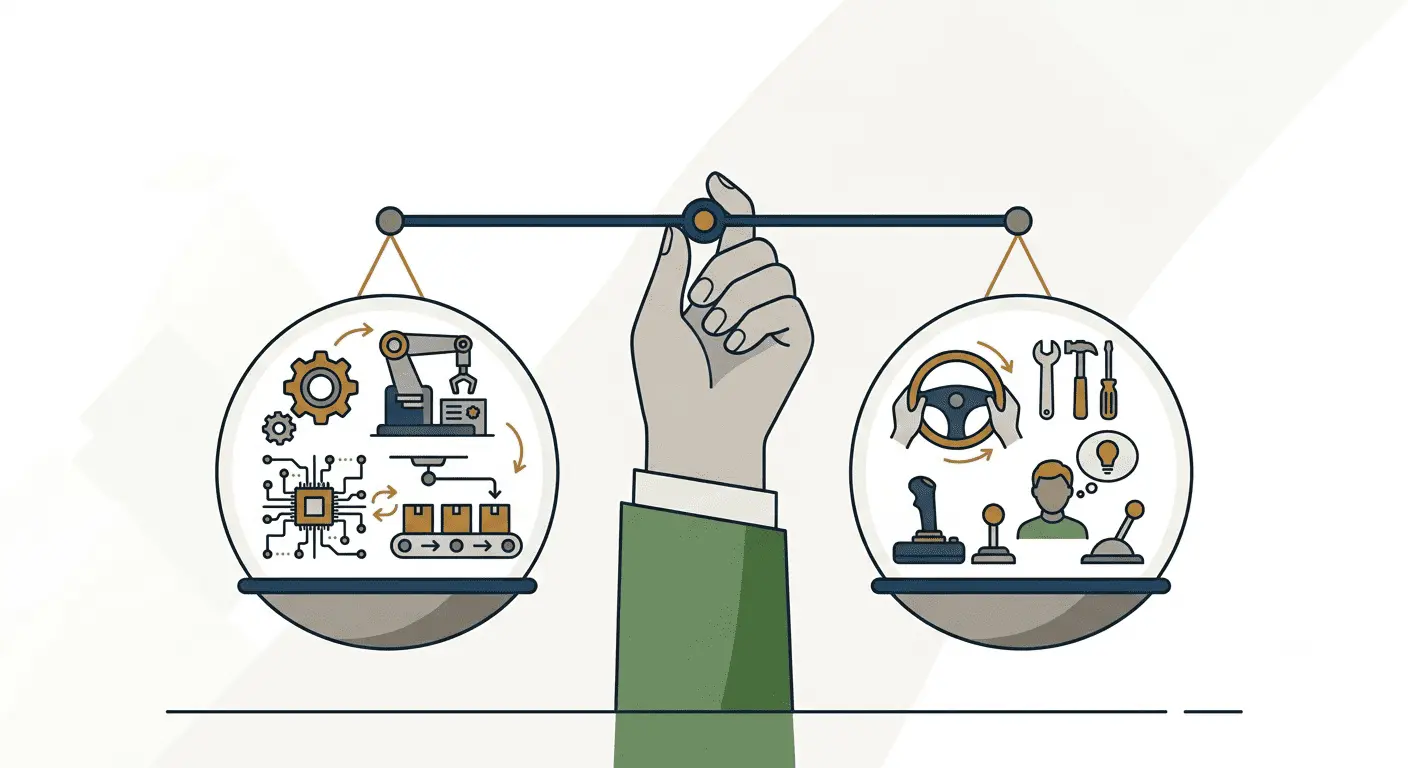
Automation is not the answer for every creator or every video, and pretending otherwise would not help you.
When auto-publishing is the right call
- You post short-form on a regular cadence. Daily or several times a week is exactly what scheduling is built for.
- You run more than one channel or platform. The time saved multiplies with every extra account.
- Consistency is your weak point. If you make videos but forget to post them, this is the fix.
When you should stay hands-on
- Reactive, trend-of-the-hour content. If a video needs to reference something that broke this morning, post it manually while it is fresh.
- High-stakes brand moments. A launch announcement or a sensitive topic deserves a human eye at the moment of posting.
- You are still finding your voice. Early on, posting manually a few times helps you feel what lands before you scale it.
The honest framing is this. Auto-publishing is the right tool once you know what you want to say and you simply need it to go out reliably. It is the wrong tool for the handful of posts that genuinely need a human judgment call in the moment.
A Simple Weekly Posting System That Actually Sticks
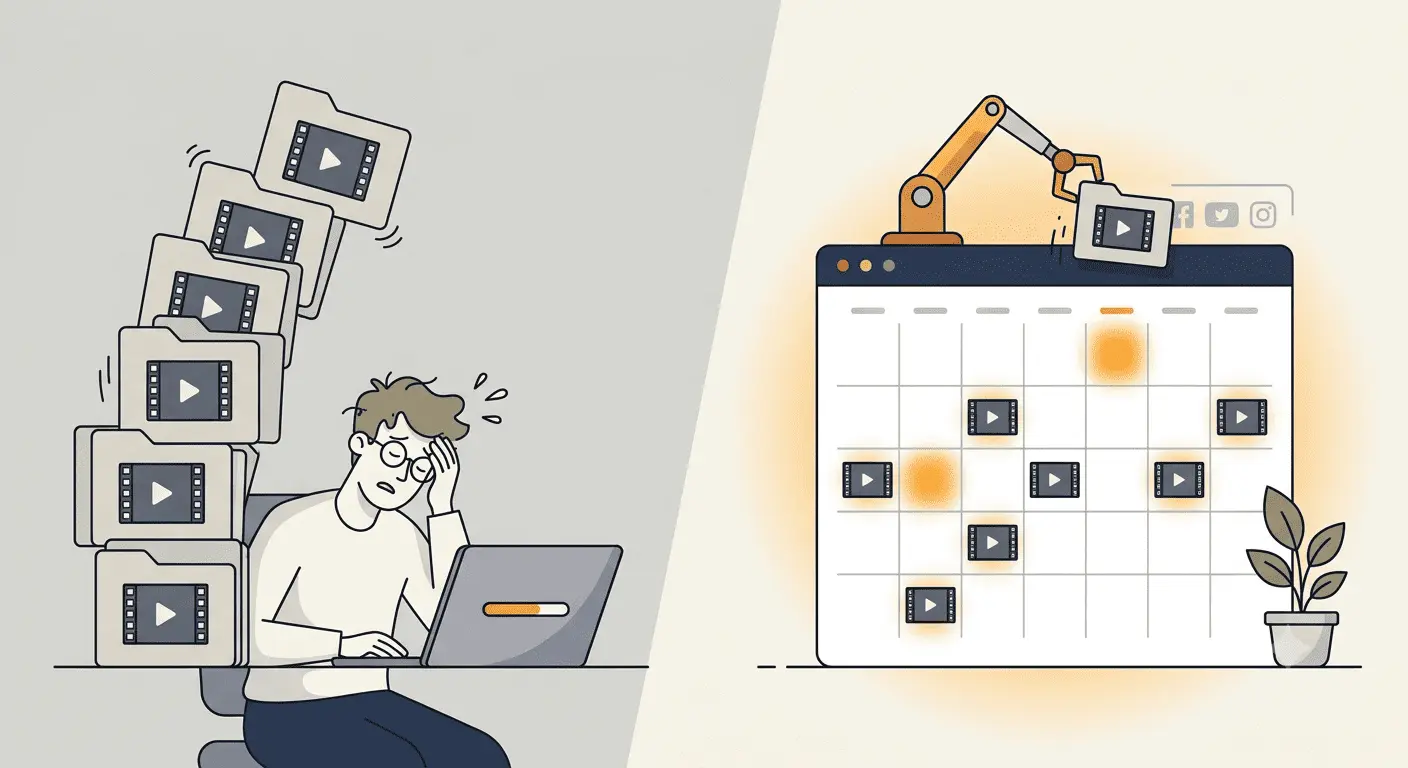
You do not need a complicated operation. You need one repeatable hour a week.
The one-hour weekly loop
- Pick your topics (15 minutes). Choose five to seven ideas, or let Series generate them from your business context.
- Batch produce (30 minutes). Generate the videos, pick your structure, style and voice, and review the per-platform captions.
- Schedule the week (10 minutes). Drop each video onto a daily slot and confirm the calendar.
- Confirm TikTok as it comes up (a few seconds each). Give the consent tap when prompted.
Do that once a week and your channel posts every day without you touching it again until next week. That rhythm, kept for a couple of months, is what separates channels that grow from channels that quietly disappear.
Conclusion: Make the Video Once, Let It Post Itself
The creators who win at faceless content in 2026 are not the ones with the fanciest single video. They are the ones who show up every day without burning out, because their tool handles the posting for them. Auto-publishing turns a good idea into a scheduled post across YouTube, Instagram and LinkedIn automatically, with TikTok one quick consent away, and Autopilot can run the whole pipeline from a single idea. The verdict is simple. If your problem is consistency, automate the posting and spend your energy on the ideas.
And you can prove it fits the way you work before paying anything, because the free trial lets you connect an account and schedule real videos at 0 euro. If this guide helped, send it to one creator you know who keeps making videos and forgetting to post them. If you would like backlinks and a bit of revenue from pointing people to a tool with a real free trial, our affiliate program is open.
Start your faceless channel free on Faceless Lab.
Frequently asked questions
Can you really auto-publish faceless videos to social media in 2026?
Yes. Faceless Lab connects to your accounts and posts on a schedule you set, so a batch of videos goes live one at a time without you being present. It publishes and schedules to YouTube, Instagram and LinkedIn fully automatically, and it prepares TikTok videos too, though TikTok asks for your explicit consent before each one goes live. The AI also writes per-platform captions, meaning the cover, title, description, hashtags and keywords, so each post fits the network it lands on. The practical result is that you produce videos once and let the calendar handle delivery.
Which platforms does Faceless Lab post to automatically?
Faceless Lab supports YouTube, Instagram, LinkedIn and TikTok. YouTube, Instagram and LinkedIn can be scheduled and published with no further action once you connect them. TikTok is the exception: it sits outside fully automatic posting and requires your explicit consent before a video publishes, which is a platform rule around automated posting rather than a tool limitation. Videos export in 9:16, 16:9 and 1:1 with durations from 15 seconds to 3 minutes, so the same idea can be shaped for a vertical Short, a square feed post or a wider YouTube cut. You connect each account once, then reuse it for every future post.
What is Autopilot and how is it different from scheduling?
Scheduling means you generate videos and assign each one a date and time to publish. Autopilot goes a step further and runs the whole pipeline, from idea to script to video to publish, so it also creates the content, not just the calendar. It is currently in beta, so the sensible approach is to let it produce and queue your posts while you glance over the results before they go out. This is how a single topic entered on Monday can become a full week of scheduled videos by Tuesday. If you want maximum control you can still generate and schedule manually, and mix the two approaches as you like.
Do I need any video editing skills to make this work?
No. Faceless Lab is built for creators with zero editing experience. You provide an idea, a script, or your business context through Series, and the AI handles the script, voiceover from more than 200 ElevenLabs voices, visuals across 39 styles, music and captions. You choose from 8 narrative structures or let Auto decide. The only hands-on part is a quick review of the generated captions and a glance at the video before it schedules. If you can type a topic and pick a style from a menu, you have all the skills this workflow requires, and the free trial lets you confirm that before paying.
How much does auto-publishing with Faceless Lab cost?
Faceless Lab has a free trial at 0 euro, so you can connect an account, generate videos and schedule real posts before spending anything. Paid plans are Starter at 19 euro per month, Growth at 59 euro per month, and Pro at 149 euro per month, with the higher tiers built for more output and multi-channel operators. Auto-publishing, scheduling and the per-platform AI captions are part of the workflow rather than a separate add-on. The practical move is to start on the free trial, prove the posting loop fits your week, then pick the paid plan that matches how many videos you want to ship.
Will auto-publishing hurt my reach compared to posting manually?
No, and it usually helps, because the biggest reach killer is inconsistency, not automation. Platform algorithms reward accounts that post on a predictable rhythm, and a tool that publishes for you removes the main reason channels go quiet. The per-platform captions also mean each post is tailored rather than copied across networks. The one nuance is timing-sensitive content: for a video that must reference something breaking right now, post it manually while it is fresh. For your regular cadence of evergreen faceless videos, scheduling them keeps you visible far more reliably than relying on motivation each day.
Related articles
5 Analytics Numbers That Tell You What to Post Next on a Faceless Channel
Skip the dashboard overload. Check five numbers on YouTube, Instagram and TikTok, spot why a faceless video lost viewers, and use a 20-minute weekly routine to decide what to post next.
A/B Test Your Faceless Video Hooks Without Any Testing Tool
YouTube cannot A/B test Shorts, and Reels and TikTok have no hook tester either. Here is a simple one-variable method to find the opening line that keeps viewers watching on your faceless channel.
Brand a Faceless Channel So Viewers Recognize It Without a Face
No face means your brand has to do the remembering. Here are the five signals that make a faceless channel recognizable, and how to set them once and keep them steady across every video.