Turn Your Blog Posts Into Faceless Videos Without Filming Anything
You already wrote the words. Here is how to turn old blog posts, newsletters, and articles into short faceless videos, using the text as your script, without filming a thing.

Stefano Ventrudo
CTO at Faceless Lab
A practical guide to turning the blog posts, newsletters, and articles you already wrote into short faceless videos, using the text you have as your script.
Can you really turn a blog post into a faceless video without filming, editing for hours, or rewriting everything from scratch? Yes, and it is one of the fastest ways to start posting short-form video when you already write. If you have a blog, a newsletter, or even a folder of old articles, you are sitting on scripts you have not used yet. The words are done. What is missing is the voice, the visuals, the captions, and the push to actually publish. That is the part we built Faceless Lab to handle.
Executive Summary: Every blog post you have ever written is a faceless video waiting to happen. The text is your script, so the slow part of video (writing, recording, editing) is already behind you. Inside Faceless Lab you paste the post as your script or drop in the topic, trim it to a tight short-form version with a hook in the first three seconds, then let the app generate the voiceover from 200+ ElevenLabs voices, build the visuals across 39 styles powered by multiple Replicate models, and add captions and music automatically. Pick one of the 8 built-in structures, set the aspect ratio for each platform, and schedule or auto-publish to YouTube, Instagram, Facebook, and LinkedIn (TikTok stays manual by design and needs your explicit consent). One long post can become five or six short videos, which means one afternoon of writing you already did can feed a week of posting. You can start on the Free trial at €0 before moving up to Starter at €19, Growth at €59, or Pro at €149.
Table of Contents
- Why your blog posts are the easiest faceless videos to make
- What turning a blog post into video really means
- Which posts to turn into video first
- Turn a blog post into a faceless video inside Faceless Lab
- Match the structure, voice, and style to the post
- Publish once, then repurpose across platforms
- Where this works and where it does not
1. Why your blog posts are the easiest faceless videos to make
Most people who want to start faceless video get stuck on the same wall: what do I even say? If you already write, you cleared that wall a long time ago.
A blog post has done the hard thinking for you. It has a point of view, a structure, examples, and a conclusion. When Stefano started running his own faceless channels, the fastest videos were always the ones that came from something he had already written. The idea was tested, the angle was clear, and he was not staring at a blank prompt at 11pm.
The math is simple. A single 1,200-word post usually holds three to six distinct ideas. Each idea is a short video. So one post you wrote months ago can become a week of content without a single new sentence of research.
- You skip the blank page. The script is the part that stops most people. You already have it.
- You reuse proven angles. If a post got traffic or replies, the topic already resonates. Video just moves it to a platform where more people will see it.
- You build a back catalog into a content engine. Fifty old posts is fifty video briefs sitting in a drawer.
2. What turning a blog post into video really means
Let us be honest about what is happening here, because it is easy to oversell it.
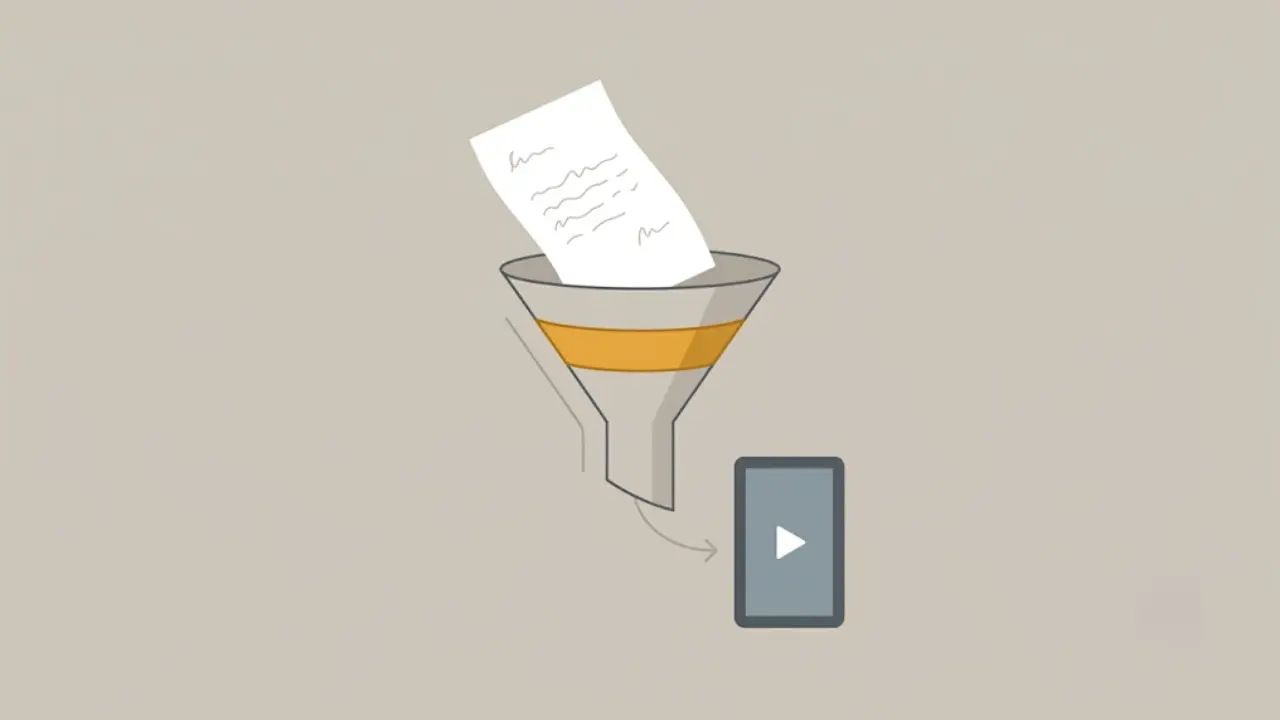
Turning a blog post into a faceless video does not mean pasting 1,200 words, hitting a button, and getting a viral Short. A blog post is written to be read at your own pace. A short video is watched, usually with the sound half on, in under a minute. The two formats want different pacing.
What the app actually does with your text:
- It treats your post as raw material for a script, not as the final voiceover. You keep the ideas and the voice. You cut the parts that only work on the page.
- It generates the production layer. Voiceover, visuals, captions, and music are the slow, fiddly parts of video. That is what gets automated, not your thinking.
- It formats for the feed. Vertical framing, on-screen captions, and a hook up front are handled so the video fits how people actually watch.
So the honest version is this. You bring the substance. Faceless Lab turns that substance into something that looks and sounds like a real short-form video, in minutes instead of an afternoon.
3. Which posts to turn into video first
Not every post is a good video. Picking the right ones first saves you from making videos nobody watches.
Start with these:
- Posts that answer one clear question. "How do I X" and "why does Y happen" translate cleanly. One question, one answer, one video.
- List posts. A post with seven tips is seven videos, or one fast-paced countdown. These are the easiest wins.
- Posts with a strong opinion. A clear take gives the video a hook. Agreement and disagreement both drive comments.
- Your evergreen traffic drivers. If a post still gets search traffic a year later, the demand is proven. Video extends that demand to a new audience.
Skip these for now:
- News posts tied to a specific date. By the time the video is up, the moment may have passed.
- Deep technical walkthroughs. Anything that needs screenshots, code, or long tables fights the short-form format.
- Posts that are mostly links or roundups. Not enough of a single idea to carry a video.
4. Turn a blog post into a faceless video inside Faceless Lab
Here is the exact workflow we use to take a written post and get a publish-ready faceless video out the other side.
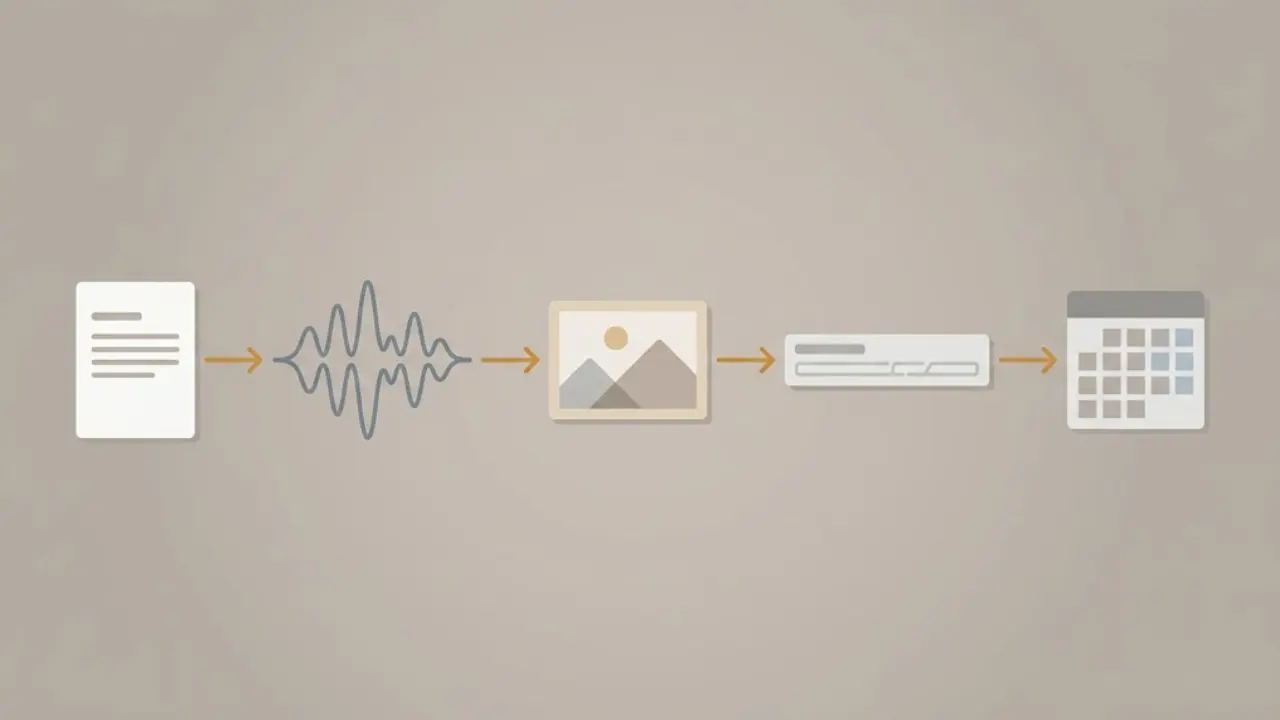
Step 1: Drop in the source. Start a new video and paste your blog post as the script, or type the topic and let the AI draft one. If you paste the full post, you are giving the app your ideas and your wording to work from.
Step 2: Trim to a short-form script. Cut the post down to the one idea this video is about. Put the hook in the first three seconds. Aim for the length that fits the platform, usually 15 to 60 seconds of spoken script. You can edit every line before anything is generated.
Step 3: Pick a structure. Choose from the 8 built-in structures depending on the post. A how-to reads well as a step-by-step. A list post fits a countdown. A strong opinion works as a hook-and-payoff.
Step 4: Choose a voice. Pick from 200+ ElevenLabs voices. Match the tone to the post, calm and clear for explainers, higher energy for lists and hot takes. Keep the same voice across a series so your channel sounds consistent.
Step 5: Set the visual style. Choose from 39 styles, generated across multiple models on Replicate, so the look matches your topic and stays the same from video to video.
Step 6: Add captions and music. Captions and background music are added automatically. Keep captions on. Most people watch on mute at first, and captions are what hold them.
Step 7: Set the aspect ratio and platform. Use 9:16 for Shorts, Reels, and TikTok, 16:9 for wide YouTube, or 1:1 where it fits. The app formats for TikTok, YouTube, Facebook, Instagram, and LinkedIn.
Step 8: Schedule or auto-publish. Queue the video, or let auto-publishing and scheduling post it for you on a rhythm. TikTok is kept out of fully automatic publishing on purpose and needs your explicit consent, so you stay in control of that one.
💡 Ready to try it on a post you already have? Start free here: Create your first video
5. Match the structure, voice, and style to the post
The reason a blog-to-video workflow sometimes feels flat is that people use the same template for everything. The fix is to match the three levers to the post you started with.
Structure follows the post type. A tutorial post wants a clear step sequence. A "5 mistakes" post wants a countdown. A personal-story post wants a setup and a turn. The 8 structures exist so you are not forcing every idea into the same shape.
Voice follows the mood. A finance explainer and a motivation clip should not sound the same. With 200+ voices you can keep a steady narrator for one channel and a different one for another, so each channel has its own identity.
Style follows the topic and stays fixed. Pick one of the 39 styles per channel and keep it. A consistent look is what makes a stranger recognize your second video after seeing your first.
6. Publish once, then repurpose across platforms
One blog post does not have to become one video. That is where the real leverage is.
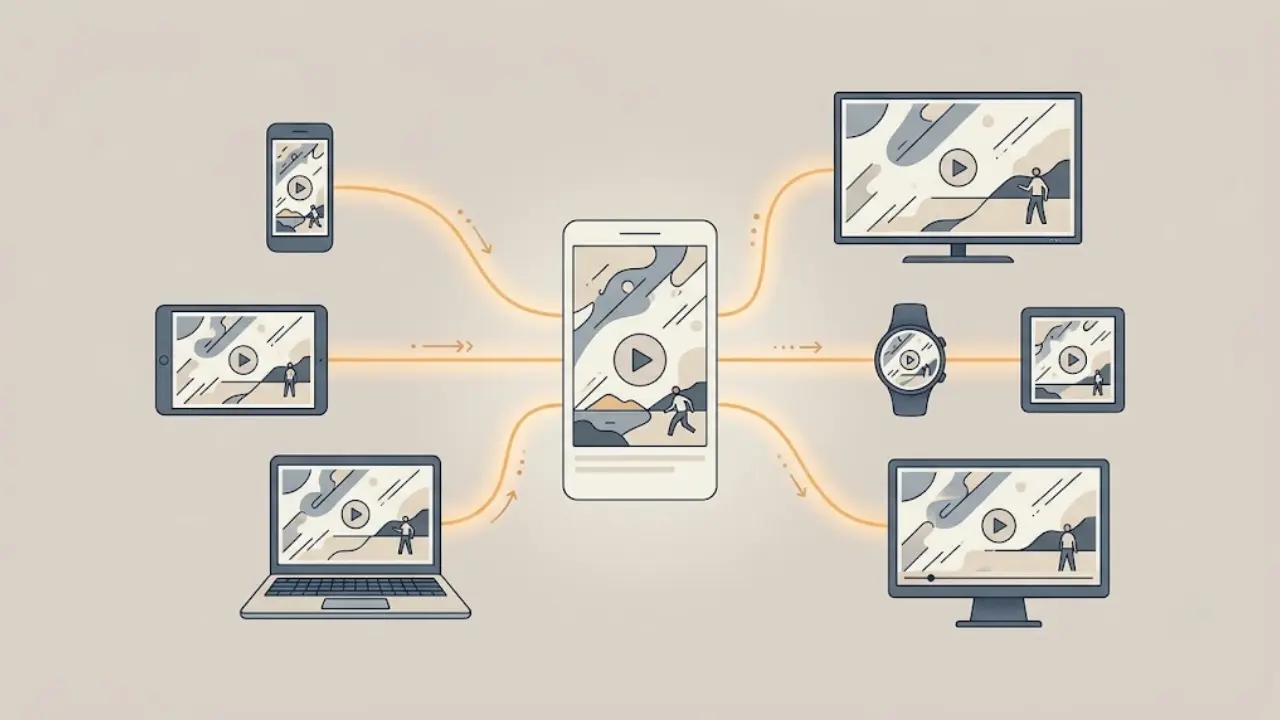
Split one post into several videos. Take a list post and make one video per item. Take a long guide and pull out three standalone tips. Now a single afternoon of old writing feeds a week of posting.
Post the same video to several platforms. A 9:16 video works on YouTube Shorts, Instagram Reels, and Facebook. Reformat to 16:9 for wide YouTube. The same core script reaches audiences that never overlap.
Turn a strong post into a Series. If a topic has legs, set it up as a Series so related videos keep going out on a schedule without you rebuilding each one. Autopilot, which is currently in beta, is designed to keep that rhythm running with less hands-on work.
Batch the boring part. Sit down once, feed in five posts, and generate a week of videos in one session. Consistency is what grows a faceless channel, and batching is how you stay consistent without burning out.
7. Where this works and where it does not
We would rather you know the limits up front than feel oversold.
This works really well when:
- You already write regularly. Bloggers, newsletter authors, and marketers with a content archive get the most out of this. The scripts are basically free.
- Your posts hold clear, single ideas. Explainers, lists, and opinion pieces convert cleanly to short video.
- You want to publish consistently without a studio. No camera, no editing suite, no filming day.
This is the wrong fit when:
- Your value is your face and your presence. If your audience follows you for you, a faceless clip loses the thing they came for. A talking-head setup serves you better.
- The post depends on visuals you cannot recreate. Screenshots, dashboards, spreadsheets, and live demos do not translate to a generated faceless video.
- You need exact brand-perfect footage. AI-generated visuals are strong and consistent, but if a client needs specific real-world shots, that is a shoot, not a generation.
We would rather you make ten great videos from the right posts than fifty forgettable ones from posts that never should have been video.
Verdict
If you already write, turning your blog posts into faceless videos is close to free content, because the hardest part, the script, is done. Faceless Lab handles the voiceover, visuals, captions, music, and publishing, so a post you wrote months ago can be live as a short video this afternoon. Start on the Free trial at €0, test it on one post you already like, and move up to Starter, Growth, or Pro only once it is saving you real time.
If a video from one of your posts does well, repost it across your platforms and tell a friend who writes but has never touched video. And if you want to earn while you share, our affiliate program pays you for creators you send our way.
Try it on your own blog post today: https://facelesslab.video/
Read more
Frequently asked questions
Can I turn a blog post into a video for free?
Yes. Faceless Lab has a Free trial at €0, so you can take an existing blog post, paste it as your script, and generate a short faceless video without paying first. The free tier is meant for testing the workflow on a post or two: script trimming, voiceover, visuals, captions, and music. Once it is clearly saving you time, the paid plans (Starter €19, Growth €59, Pro €149) raise your limits so you can produce and schedule at volume. Start free, upgrade only when the output earns it.
How long should the video be compared to the blog post?
Much shorter. A 1,200-word post reads in about five minutes, but a short-form video should usually run 15 to 60 seconds. Do not narrate the whole post. Pick one idea from it, write a tight script around that single idea, and put the hook in the first three seconds. A long post is better treated as several short videos, one per key point, than as one long video that tries to cover everything and loses viewers halfway through.
Do I need to rewrite my blog post to make it a video script?
Not from scratch. You keep your ideas and your voice, but you do trim. Written prose has connective sentences and asides that work on the page and drag on screen. Inside Faceless Lab you paste the post and edit it down to a spoken script before anything is generated, cutting to the one idea the video is about. Think of it as editing, not rewriting. The thinking is already done; you are just tightening the words for how people watch short video.
Which platforms can I publish blog-to-video content on?
Faceless Lab formats videos for YouTube, TikTok, Instagram, Facebook, and LinkedIn, in 9:16, 16:9, or 1:1 depending on the platform. You can schedule and auto-publish to keep a steady posting rhythm. One note on control: TikTok is kept out of fully automatic auto-publishing on purpose and requires your explicit consent, so you approve those posts yourself. The other platforms can run on a hands-off schedule, which is what makes repurposing one blog post across several feeds actually practical.
Will YouTube penalize repurposed blog content as videos?
Repurposing your own writing into video is fine. What platforms discourage is low-effort, mass-produced spam with no real value. If each video makes a clear point, has a genuine hook, and is worth watching, turning a blog post into a video is just smart reuse of your own work. Keep the ideas sharp, avoid pumping out near-identical clips, and disclose AI use where the platform asks. The safest approach is quality over volume, which also happens to be what grows a channel.
How many videos can I get from one blog post?
Usually three to six. Most posts contain several distinct ideas, and each one can stand as its own short video. A list post is the clearest example: seven tips can become seven videos or one countdown. A how-to guide can become one video per step plus a summary. This is where the leverage is. One afternoon of writing you already finished can feed a full week of posting once you split it into single-idea shorts and schedule them out.
Related articles
5 Analytics Numbers That Tell You What to Post Next on a Faceless Channel
Skip the dashboard overload. Check five numbers on YouTube, Instagram and TikTok, spot why a faceless video lost viewers, and use a 20-minute weekly routine to decide what to post next.
A/B Test Your Faceless Video Hooks Without Any Testing Tool
YouTube cannot A/B test Shorts, and Reels and TikTok have no hook tester either. Here is a simple one-variable method to find the opening line that keeps viewers watching on your faceless channel.
Brand a Faceless Channel So Viewers Recognize It Without a Face
No face means your brand has to do the remembering. Here are the five signals that make a faceless channel recognizable, and how to set them once and keep them steady across every video.