The Real Cost of Starting a Faceless YouTube Channel
What does it really cost to start a faceless YouTube channel? A line-by-line budget, the free vs paid maths, cost per video for your first 100, and three realistic starting setups.


Roberto Pasqualini
CMO at Faceless Lab
A line-by-line look at what a faceless channel actually costs to launch, from the free route to a serious setup, with real cost-per-video maths.
So how much does it cost to start a faceless YouTube channel? The honest answer is that the number people quote you online is almost always wrong, because they are pricing the wrong thing. Most guides add up software subscriptions and call it a budget. The real cost of a faceless channel is the mix of money, time, and the tools you stitch together to turn one idea into a finished short. I run three faceless channels myself, so this is the breakdown I wish I had when I started.
Executive Summary: You can start a faceless YouTube channel for zero out of pocket if you use a free plan and your own time, and most creators who stay consistent land somewhere between €0 and €60 a month once they start batching. The money is the easy part. The expensive part is time: producing one short by hand across separate script, voice, visual, caption, and music tools runs about three and a half hours, which is the real reason most channels stall before video ten. A single tool that produces publish-ready shorts collapses that time cost, and on Faceless Lab the entry point is a Free trial at €0, then Starter at €19, Growth at €59, and Pro at €149 a month. Pick your budget based on how many videos you actually plan to publish, not on the longest feature list.
Table of Contents
- Why "how much does it cost" is the wrong first question
- The five real line items in a faceless channel budget
- Where a real free plan changes the maths
- How to start a faceless channel on a small budget inside Faceless Lab
- Cost per video: the maths for your first 100 videos
- Where spending more pays off, and where it doesn't
1. Why "how much does it cost" is the wrong first question
When someone asks what a faceless channel costs, they usually mean the monthly software bill. That number is real, but it is the smallest part of the picture. A faceless channel has three cost buckets, and if you only budget for one, you run out of the other two.
The three real costs:
- Money. Subscriptions for the tools that generate script, voice, visuals, captions, and music. This is the number everyone quotes.
- Time. The hours you spend producing and publishing. This is the number that actually kills channels.
- Consistency risk. The hidden cost of an unfinished video. A short that never ships earns nothing, no matter how cheap the tools were.
Here is the part people skip. YouTube pays nothing for a channel that posts twice and quits. The algorithm rewards rhythm, so the true cost of a faceless channel is whatever it takes to keep you publishing every week for months. A cheap stack that burns three hours per video is more expensive, in the way that matters, than a paid tool that gets you to publish in minutes.
2. The five real line items in a faceless channel budget
If you build a faceless short by hand, you are really paying for five separate jobs. Here is what each one costs on its own, and roughly how long it takes.
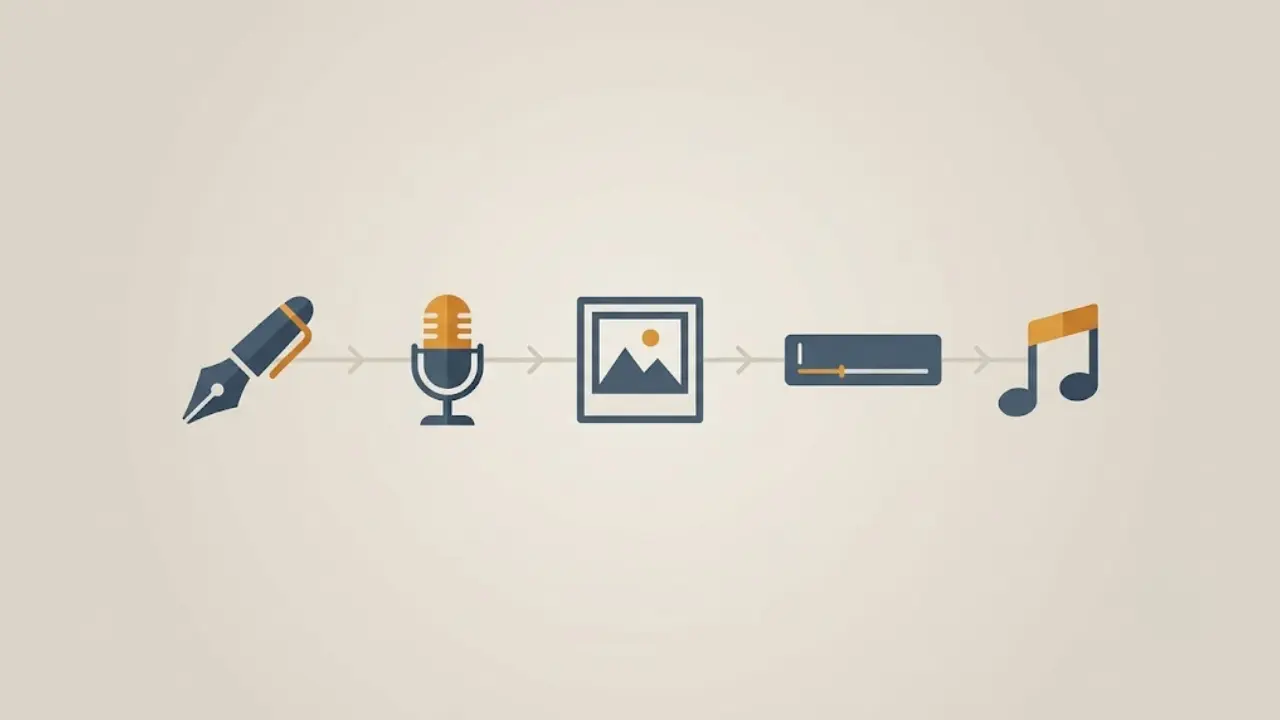
Script. A hook, a body, and a call to action. Free if you write it yourself, or bundled into an AI writer. Time cost by hand: about 30 minutes of prompting and refining per video.
Voiceover. A natural voice that does not sound robotic. Standalone AI voice tools typically start around €5 to €22 a month for usable quality. Time cost: about 20 minutes to generate and pick the right take.
Visuals. Stock clips, AI images, or generated video that match your script. This is the widest range, from free stock libraries to paid AI generation credits. Time cost: roughly an hour of sourcing and cutting.
Captions. On-screen subtitles that keep people watching. Auto-caption tools are cheap or free, but the cleanup is not. Time cost: about 15 minutes fixing errors per video.
Music. Royalty-free background audio that fits the mood. Free libraries exist, though finding a track that fits eats time. Time cost: about 15 minutes.
Add the syncing and exporting on top and you land near three and a half hours for one finished short. Now multiply by three posts a week. That is the part-time job nobody signs up for, and it is the reason the money question misses the point.
3. Where a real free plan changes the maths
A lot of tools advertise a free tier, then watermark the export or block publishing until you pay. That is not a free plan, it is a demo. For a faceless channel, the only free plan that matters is one that lets you finish and publish a real video.

What a genuine free start should give you:
- A finished video with no watermark blocking your upload.
- A voice that is good enough to post, not a locked preview.
- Enough of a workflow to judge whether the tool fits how you work.
This is why we built a Free trial at €0 into Faceless Lab. You can generate a real faceless short, script to captions, and see the full flow before you spend anything. The point is not to give away unlimited video. The point is to let you prove the workflow saves you time before you commit a euro.
When you do upgrade, the maths stays simple. Starter is €19 a month, Growth is €59, and Pro is €149. You move up a tier when your publishing volume outgrows the one below, and not before.
💡 Prefer to test drive first? Start on the free plan here: Create your first faceless video free.
4. How to start a faceless channel on a small budget inside Faceless Lab
Here is the exact low-budget path I would take if I were starting a channel this week. It uses the free plan first, then a single paid tier once you know it works.
Step 1: Pick one narrow niche. Do not start three channels. Choose one topic you can post about for months. A narrow niche makes every later step faster because your hooks and visuals stay consistent.
Step 2: Generate your first video on the Free trial. Type your topic or paste a script. Faceless Lab writes the script, generates the voiceover from the ElevenLabs voice library, builds the visuals, adds captions, and picks music. You get a publish-ready short in minutes.
Step 3: Choose a structure and a style. Faceless Lab ships with 8 video structures and 39 visual styles, so you can match the format to your niche instead of forcing every video into one template. Lock in the combination that fits before you scale.
Step 4: Batch a week in one sitting. Once the format works, generate five to seven videos in a single session. Batching is where the time cost per video really drops.
Step 5: Schedule and let it publish. Set your videos to publish on a rhythm across YouTube, Instagram, Facebook, and LinkedIn. Autopilot, currently in beta, can keep a channel posting hands off. One note to plan around: TikTok is excluded from fully automatic auto-publishing because it requires your explicit consent per post, so leave a manual step there.
Step 6: Upgrade only when volume demands it. Stay on the plan that covers your current output. Move to Growth or Pro when you are consistently hitting the limit of the tier below, which is a good problem to have.
5. Cost per video: the maths for your first 100 videos
Cost per video is the number that actually tells you whether a channel is sustainable, because it scales with your ambition. Let us run 100 videos, which is roughly eight months of posting three times a week.
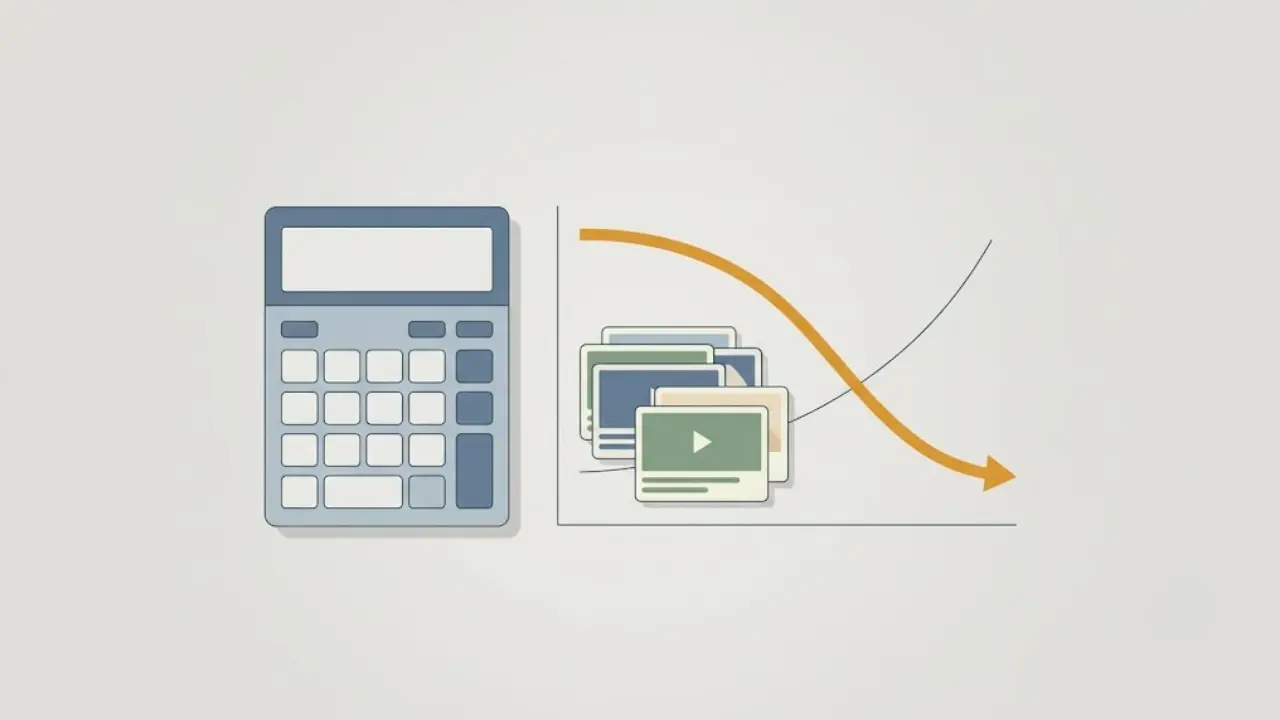
The free route. €0 in software using the Free trial and free libraries, but you are paying in time. At three and a half hours per hand-built video, 100 videos is 350 hours. If your time is worth even €10 an hour, that is €3,500 of your life. Free is only free if your time has no value, and yours does.
The Starter route (€19 a month). Over eight months that is €152 in software for 100 videos, which is about €1.52 per video. The bigger saving is time: producing shorts inside one tool instead of five cuts the per-video time from hours to minutes. That time saving is worth far more than the subscription.
The Growth route (€59 a month). Over eight months that is €472, or about €4.72 per video, and it makes sense when you are running multiple channels or posting daily and need the higher volume. You are buying throughput, not features you will never touch.
The takeaway is that the software line is small in every scenario. The real variable is time per video, and that is exactly the cost a single publish-ready workflow is designed to cut.
6. Where spending more pays off, and where it doesn't
I would rather you spend the right amount than the most, so here is the honest version of where Faceless Lab is and is not the right call.
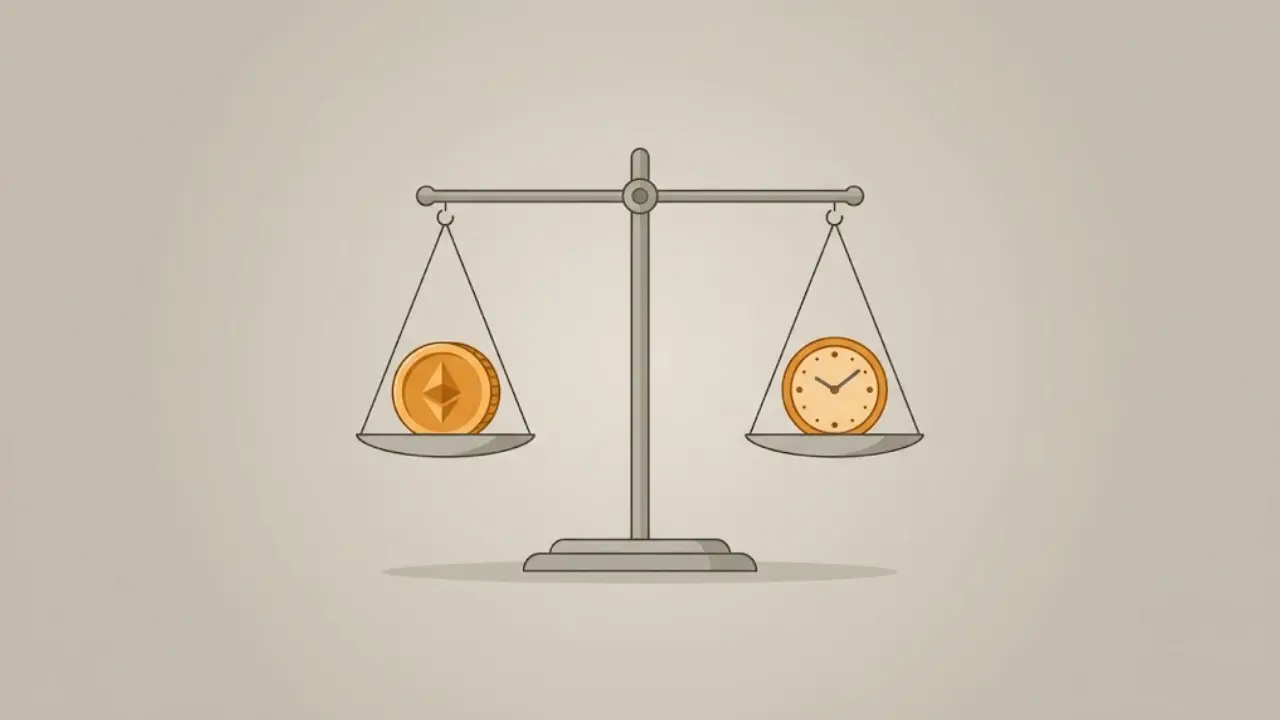
Where paying up front pays off:
- You publish on a rhythm. If you post three or more times a week, the time saved pays for the plan many times over.
- You run more than one channel. Batching and scheduling across channels is where a higher tier earns its keep.
- You value your evenings. If the alternative is editing at midnight, the subscription is cheap.
Where you should not spend more:
- You are not sure you will stay consistent. Start on the Free trial at €0. Prove to yourself you will actually post before you pay for volume you will not use.
- You need frame-by-frame manual editing. Faceless Lab is built to get you to publish fast. If your project needs bespoke motion graphics and hand-crafted timelines, a dedicated video editor is the better tool, and that is fine.
- You only ever plan to post once. A subscription is for people building a rhythm. A one-off does not need one.
Being straight about this matters more to me than an upsell. A tool that saves you time only counts if you were going to keep posting in the first place.
Starting a faceless channel does not have to cost much money. It costs a little money and a lot less time than the manual route, and the single biggest saving comes from not stitching five tools together for every video. Start on the Free trial at €0, publish a few real shorts, and let the cost-per-video maths decide when you upgrade. If this guide helped, repost it to someone stuck in the editing grind, and if you want to earn while you share it, our affiliate program is open. Ready to see your own cost per video drop? Try Faceless Lab free.
Read more
Frequently asked questions
Q1: How much does it cost to start a faceless YouTube channel?
You can start for zero out of pocket. YouTube charges nothing to create a channel, and with a genuine free plan you can produce and publish real videos without paying. Once you start posting on a rhythm, most creators spend between €0 and €60 a month on tools. On Faceless Lab that means a Free trial at €0, Starter at €19, or Growth at €59. The larger cost is your time, and that is what a single publish-ready workflow is built to reduce, so budget for consistency rather than for the longest feature list you can find.
Q2: Is it really possible to start a faceless channel for free?
Yes, if the free plan lets you finish and publish a real video rather than a watermarked demo. Many tools advertise a free tier that blocks the export or locks the good voices until you pay, which is not truly free. The Free trial on Faceless Lab lets you generate a complete short, from script to captions, so you can judge the workflow before spending anything. The catch is time, not money: the free route asks you to invest hours, which is fine while you prove you will stay consistent.
What is the real cost per video for a faceless channel?
Cost per video is the number that shows whether a channel is sustainable. On Starter at €19 a month, producing 100 videos over about eight months works out to roughly €1.52 per video in software. On Growth at €59 it is about €4.72. Built by hand across separate tools, the software might be cheaper, but each video costs around three and a half hours, so 100 videos is 350 hours. Once you value your time at all, the paid workflow is the cheaper option per finished video.
What do I actually need to pay for on a faceless channel?
Five jobs: script writing, voiceover, visuals, captions, and background music. Done separately, each has its own subscription or credit cost, and the totals add up quickly alongside the hours of stitching them together. A single tool that handles all five in one workflow replaces those overlapping costs and, more importantly, removes the time spent switching between apps. That is why the smart budget question is really about which setup gets a finished, publish-ready video out the door fastest, rather than which tools carry the lowest sticker price.
When should I upgrade from a free plan to a paid one?
Upgrade when your publishing volume outgrows the free plan, and not before. If you are posting three or more times a week, or running more than one channel, the time you save easily covers a Starter plan at €19 a month. Move to Growth at €59 only when you are consistently hitting the limits of the tier below. The rule is simple: let your actual output decide the tier. Do not pay for volume you are not yet using, and do not stay cramped once you clearly need more.
Is a faceless channel cheaper than a regular YouTube channel?
Usually yes, because you skip cameras, lighting, a studio, and on-camera time. Your costs are software and your own hours instead of gear and filming days. That lower barrier is a big part of why faceless channels are popular, though it also means more people compete, so consistency and a clear niche matter more than raw spend. The cheapest sustainable setup is one that keeps you publishing every week without burning your evenings, which is where an all-in-one faceless workflow earns its place.
Related articles
5 Analytics Numbers That Tell You What to Post Next on a Faceless Channel
Skip the dashboard overload. Check five numbers on YouTube, Instagram and TikTok, spot why a faceless video lost viewers, and use a 20-minute weekly routine to decide what to post next.
A/B Test Your Faceless Video Hooks Without Any Testing Tool
YouTube cannot A/B test Shorts, and Reels and TikTok have no hook tester either. Here is a simple one-variable method to find the opening line that keeps viewers watching on your faceless channel.
Brand a Faceless Channel So Viewers Recognize It Without a Face
No face means your brand has to do the remembering. Here are the five signals that make a faceless channel recognizable, and how to set them once and keep them steady across every video.